RNJet ECO H1
Up to 12.7 mm (0.5 in) · 60 mL cartridge · industrial TIJ coding.
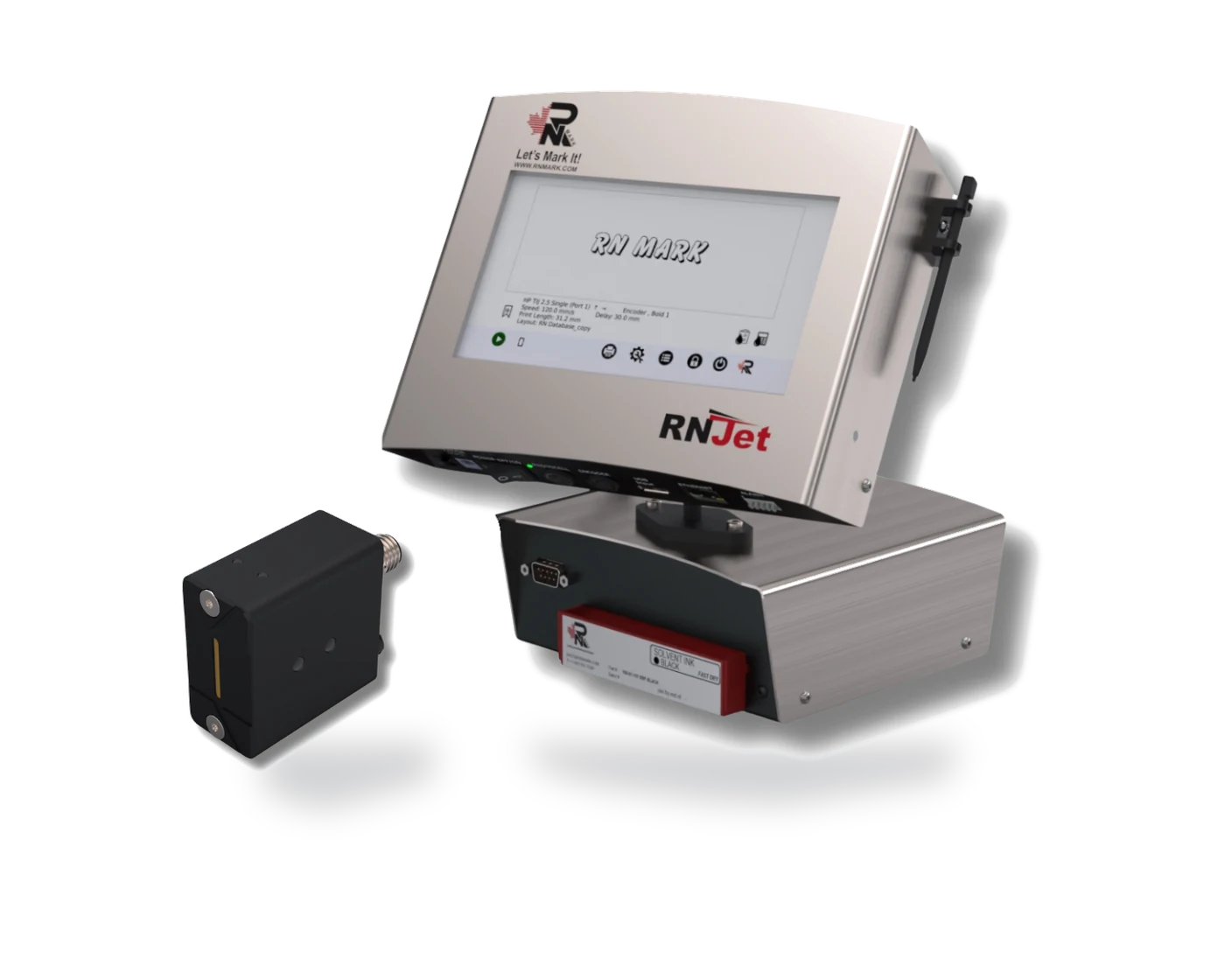
An affordable, controller-free TIJ coder for small & mid-size businesses. Design your layout on your phone over Bluetooth, send it to the printer, and run everything day-to-day from its own built-in touchscreen.
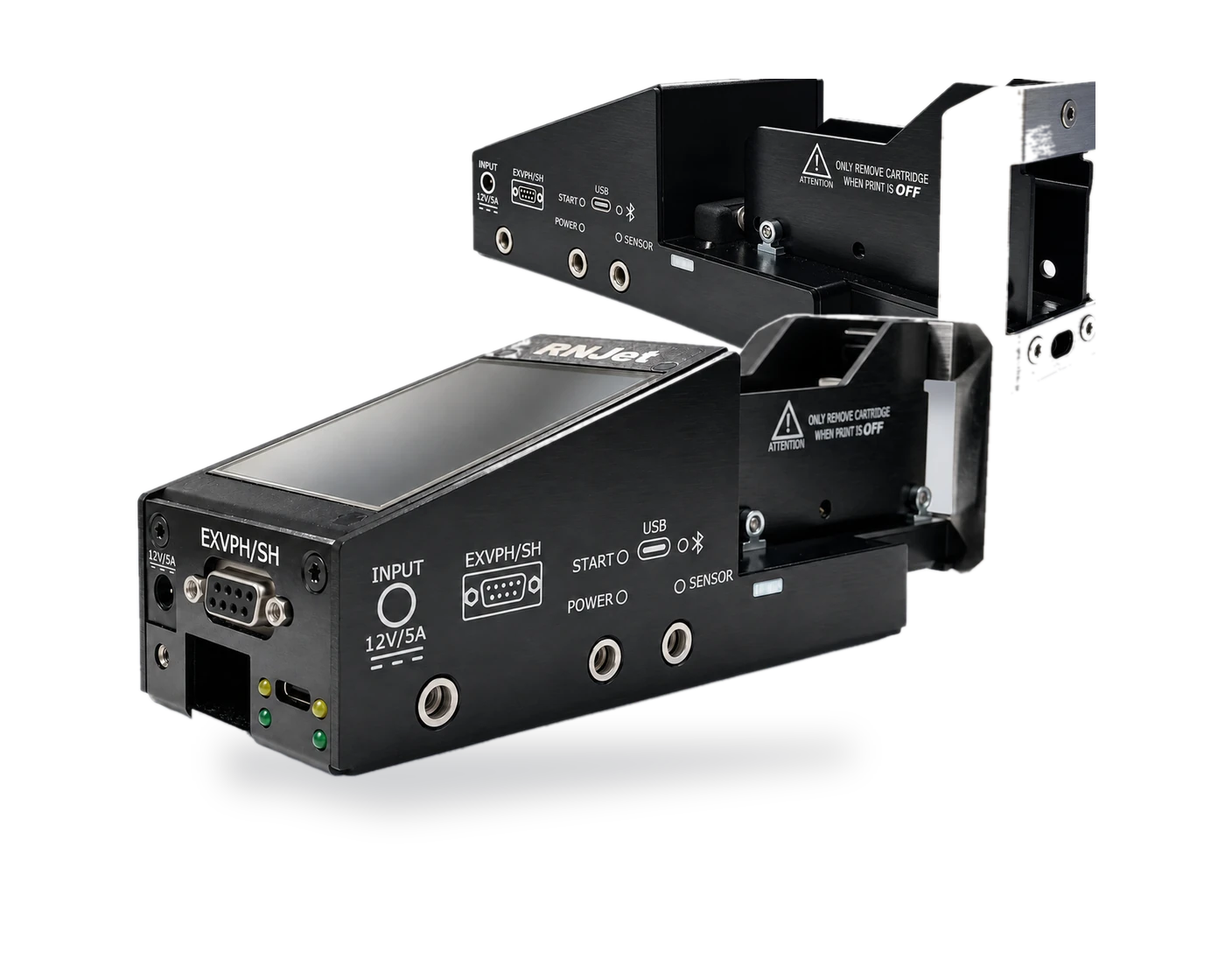
The RNJet ECO strips away the bulky external controller. It's a self-contained thermal inkjet printer with Bluetooth built in — design your print layout once in the free RNJet mobile app (iOS & Android), send it to the printer wirelessly, and start printing. From there, the printer's own compact touchscreen handles everything day-to-day: choosing or changing layouts, turning printing on and off, and adjusting speed, delay and direction — no laptop, no separate controller box, no complicated setup.
Max print speed (300 dpi)
Print resolution
Printing distance
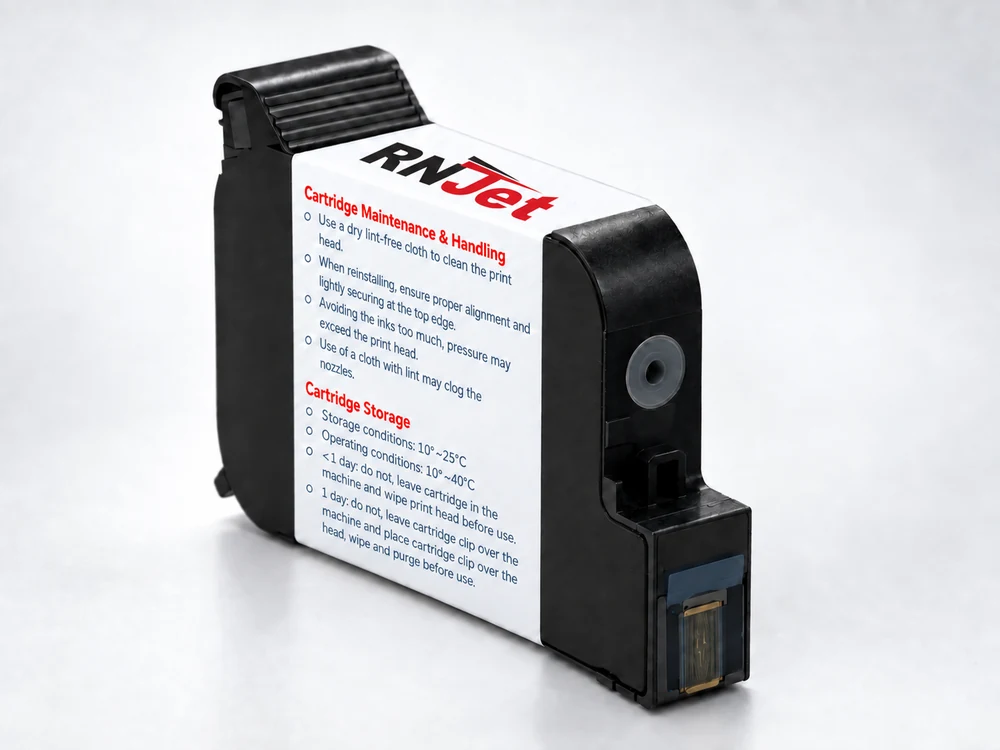
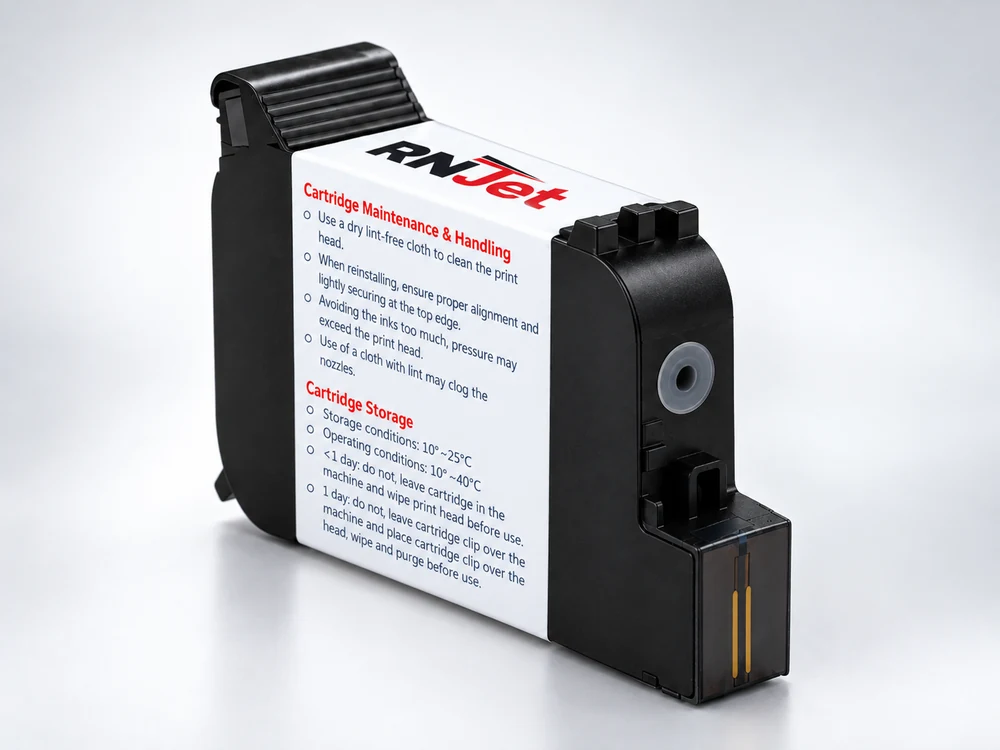
Cartridge capacity
RNJet ECO H1 prints up to 12.7 mm (0.5 in) tall; RNJet ECO T1 prints up to 25 mm (1 in) tall. Both run on the same 60 mL cartridge system, the same app, and the same on-printer touchscreen — so you pick the character height your labels need without switching platforms.
Tell us your product and line speed — we'll recommend ECO H1 or ECO T1.
No controller to configure, no software to install on a PC — the entire setup happens on the phone you already carry.
Install the free RNJet companion app from the App Store or Google Play.
Power on the RNJet ECO and connect it to your phone over Bluetooth in seconds.
Build your print layout — text, dates, counters, barcodes, logos — right in the app.
Send the layout to the printer and start production — no controller required.
Once a layout is on the printer, it stays there. Day to day, operators can choose, delete or change layouts and turn printing on or off right from the RNJet ECO's own touchscreen — the phone is only needed when a new layout has to be designed.
| Standard Features | |
|---|---|
| Controller | None — layout design via free iOS/Android app, day-to-day control via built-in touchscreen |
| Connectivity | Bluetooth (phone/tablet to printer) |
| Display | Compact on-printer touchscreen |
| No. of Print Heads | 1 |
| Printing Speed | Up to 90 m/min at 300 dpi |
| Resolution | 300 dpi |
| Max. Print Height | ECO H1: up to 12.7 mm (0.5 in) · ECO T1: up to 25 mm (1 in) |
| Printing Distance | Up to 8 mm |
| Printing Orientation | Side printing, downwards, at an angle |
| Surface Compatibility | Porous and non-porous surfaces |
| Warranty | 1 year* |
| Ink & Printing Content | |
| Ink System | Cartridge, 60 mL |
| Printing Content | Variable text, auto-updating dates, time, counters, dynamic data, barcodes, QR codes, logos |
| Operating Conditions | Temp: 10°C – 40°C · Storage: 10°C – 25°C |
*Terms and conditions apply. Check our Refund and Return Policy for full details.
Up to 12.7 mm (0.5 in) · 60 mL cartridge · industrial TIJ coding.
Up to 25 mm (1 in) · 60 mL cartridge · industrial TIJ coding.
A compact, affordable TIJ coder for small and mid-size production lines across food, beverage, and general packaging.








Actual production samples printed with RNJet TIJ printers — the RNJet ECO shares the same cartridge-based print engine as the RNJet H1 and T1.
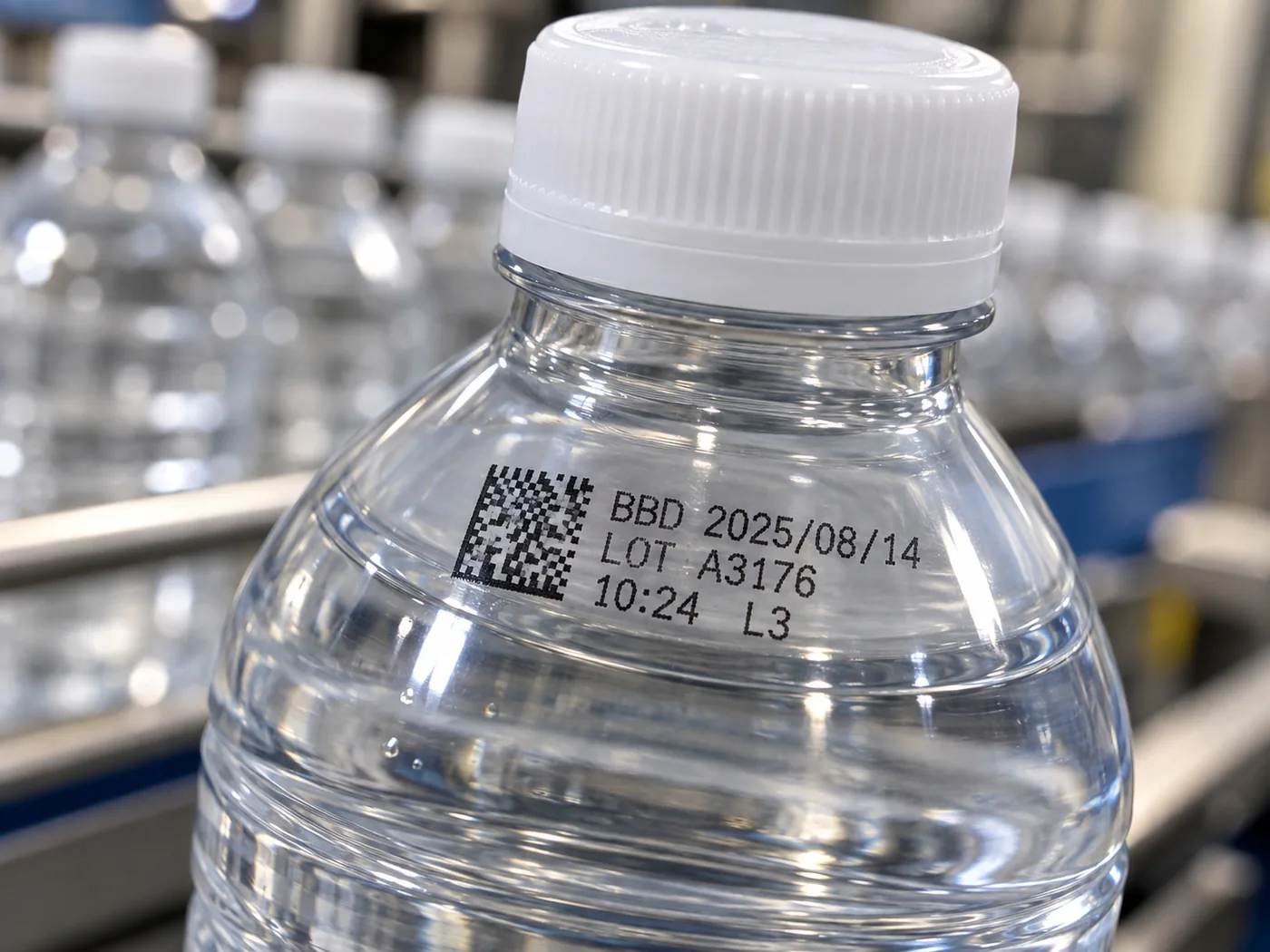
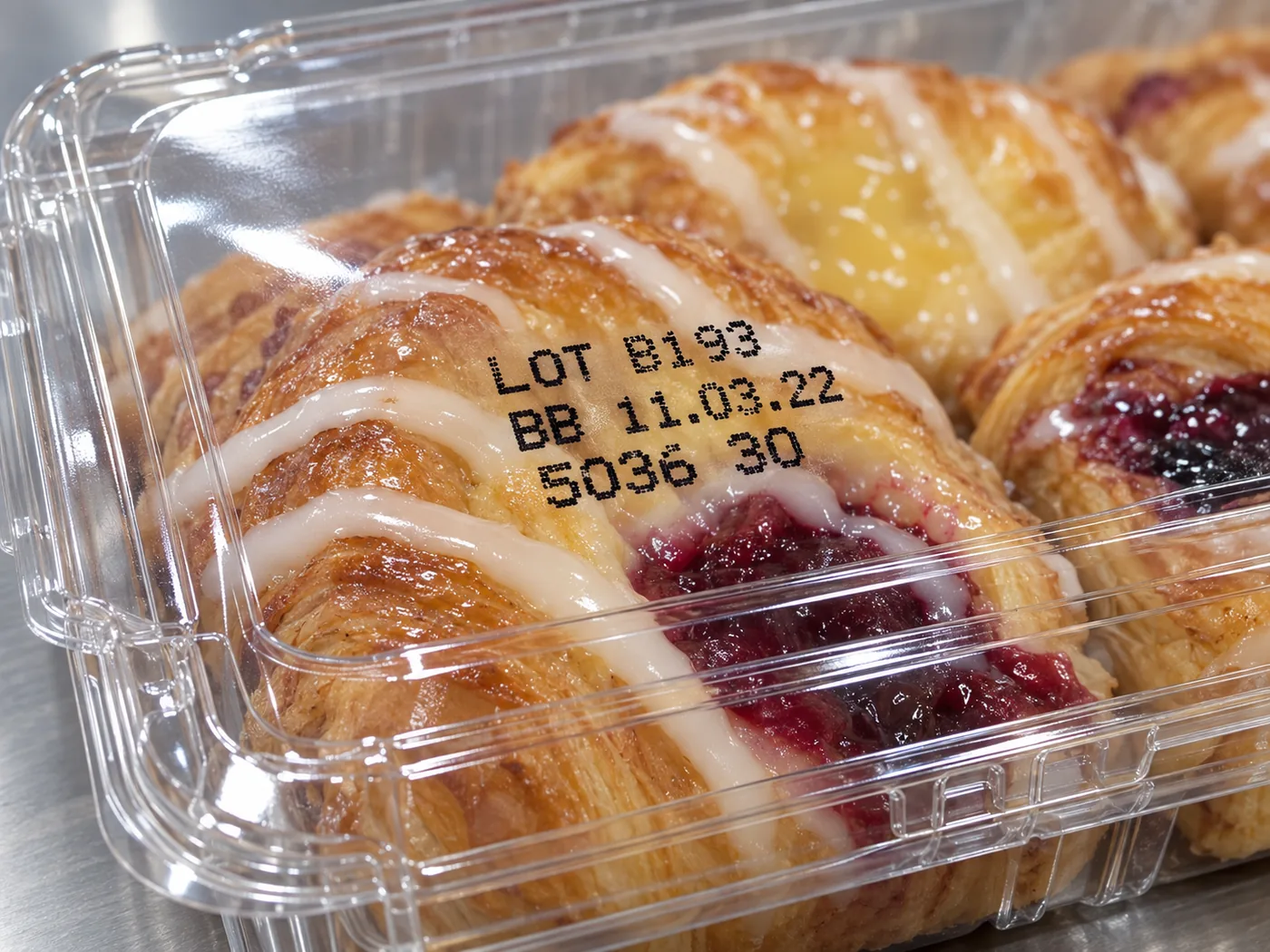
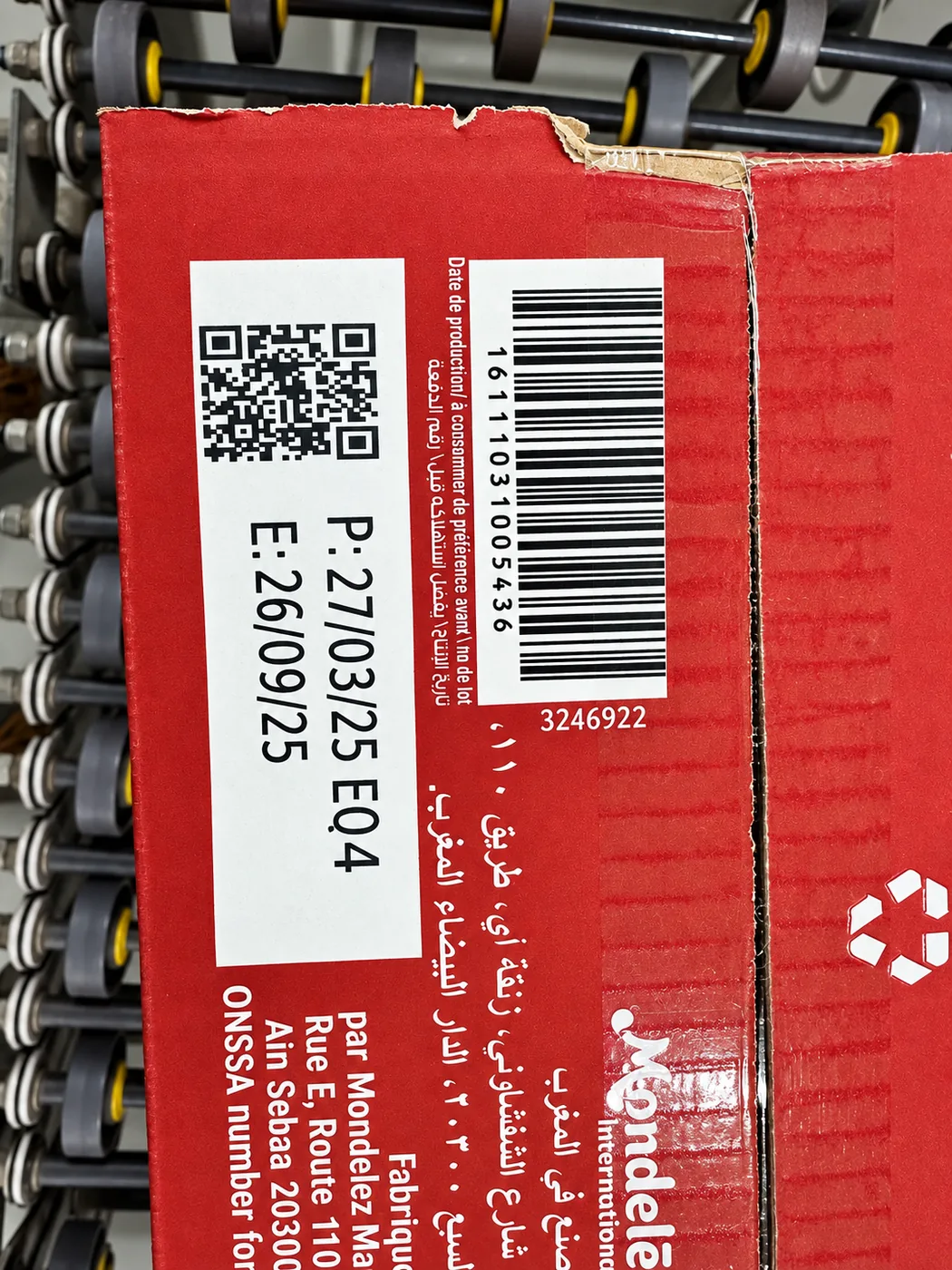
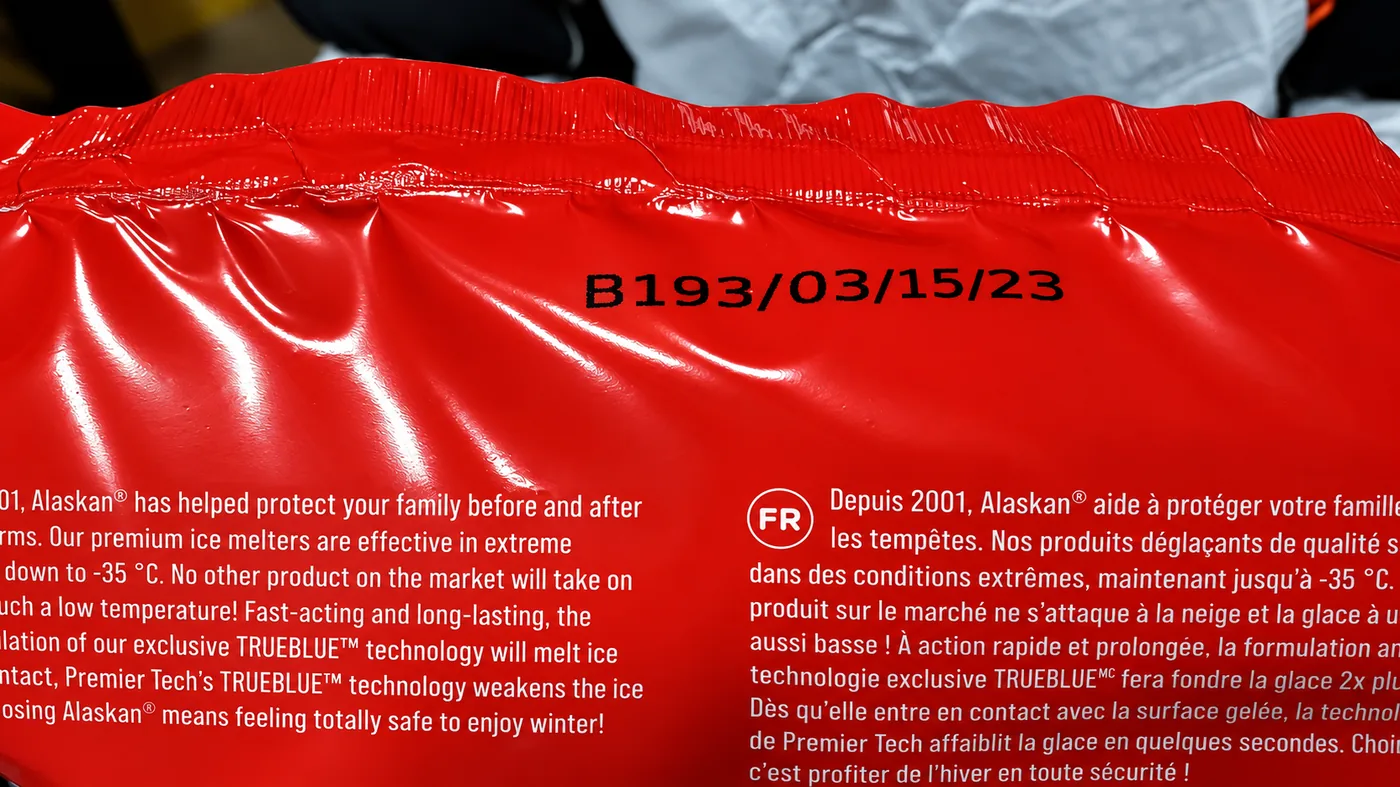
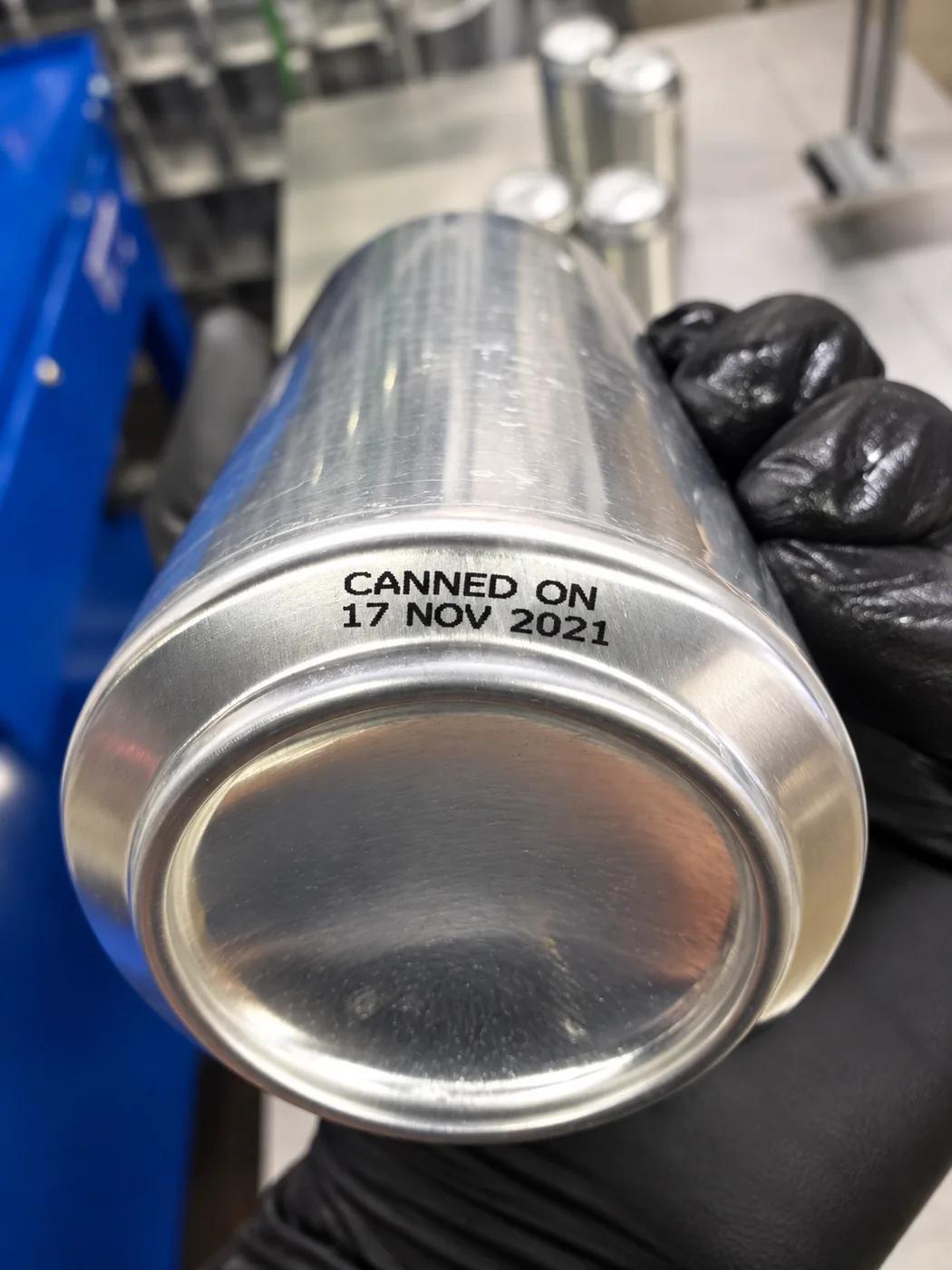
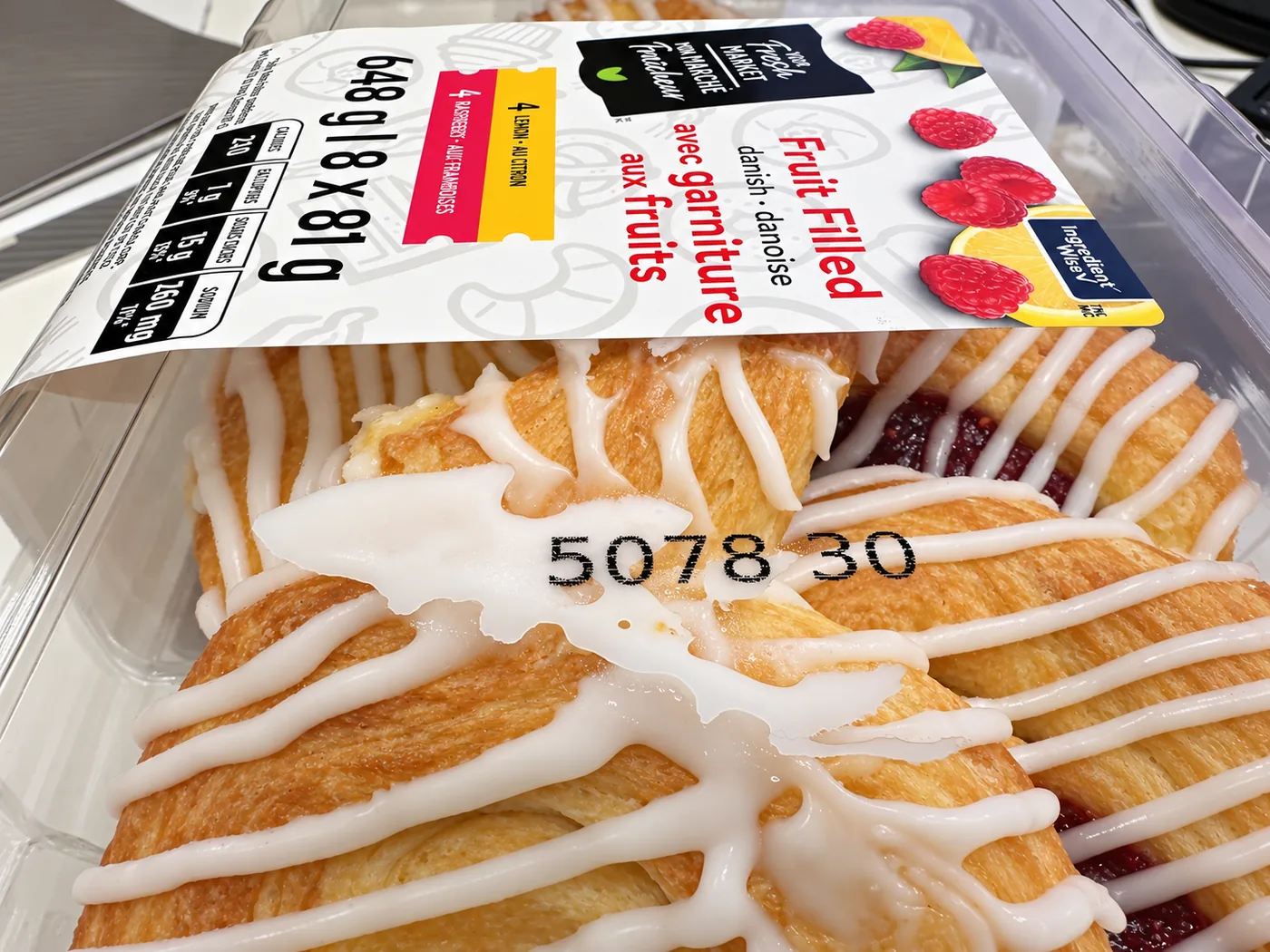
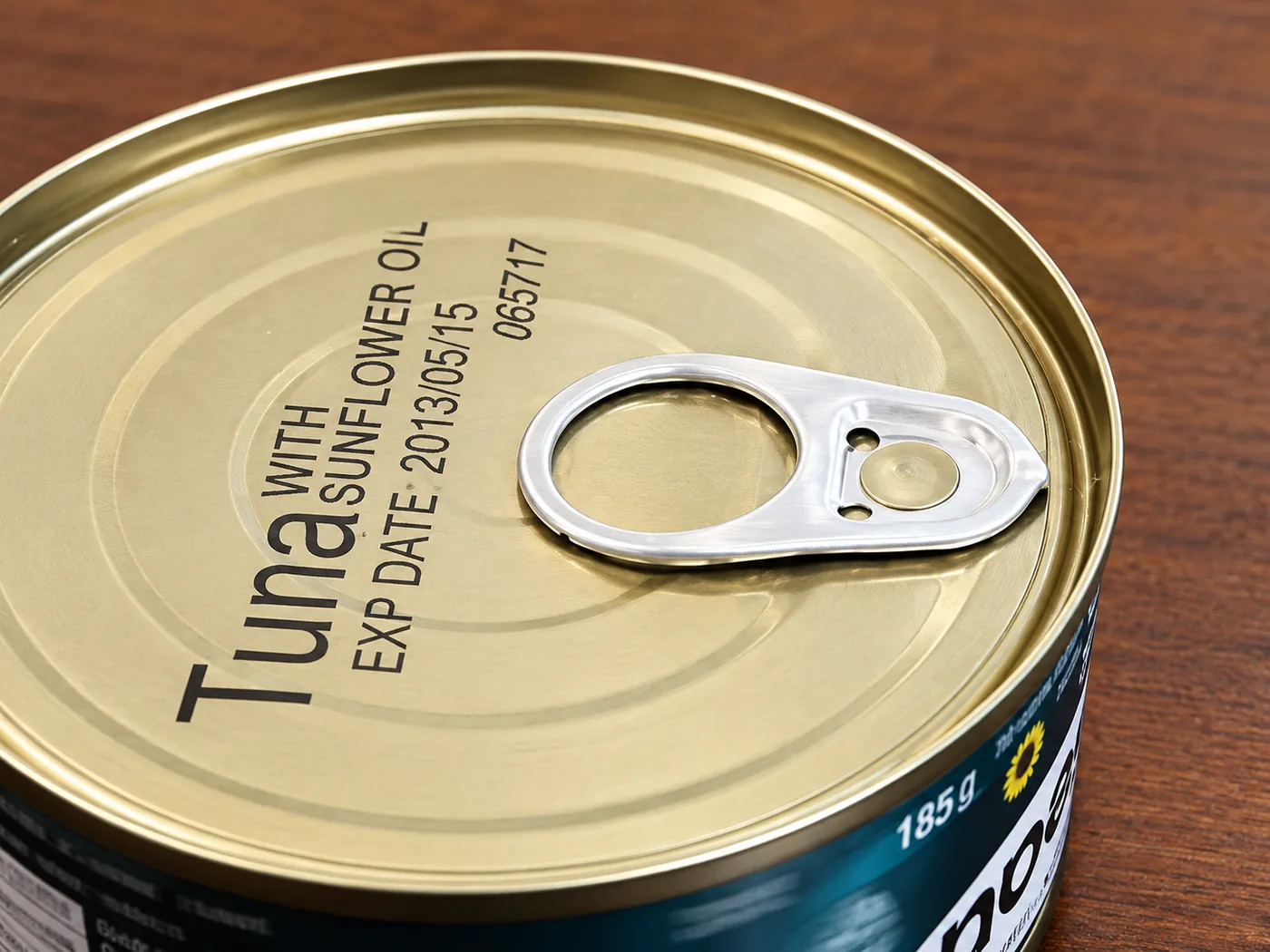
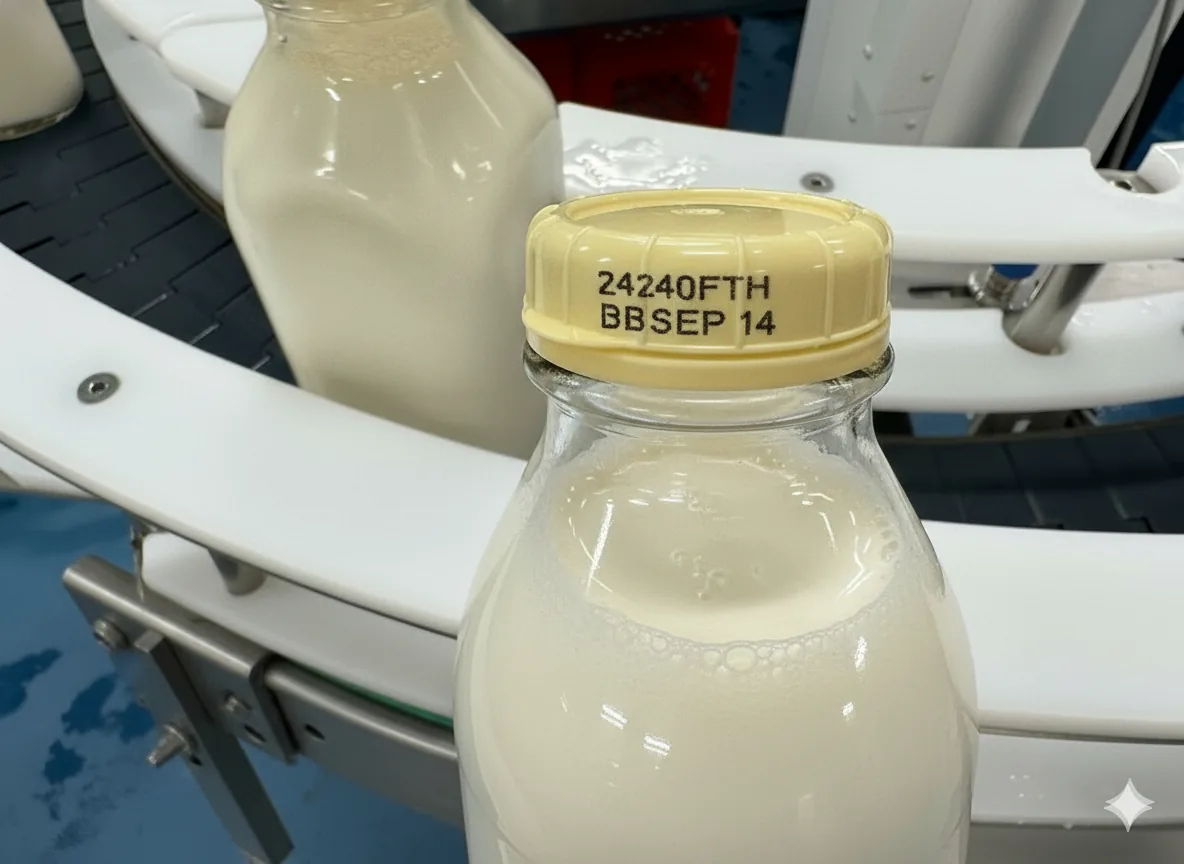
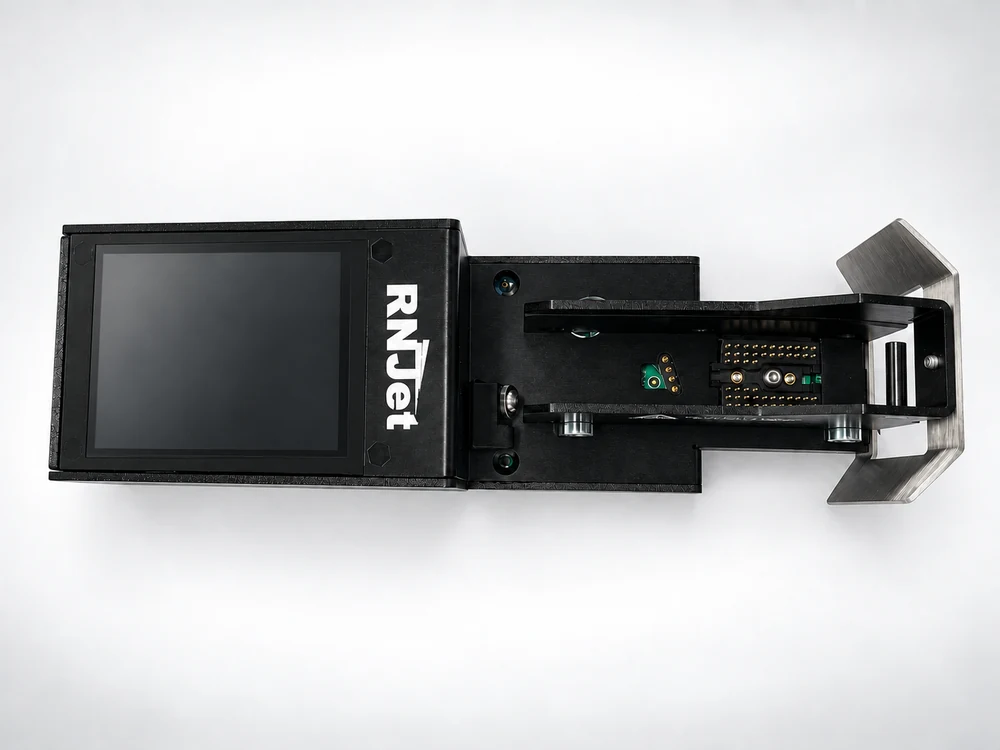
Once a layout is designed and sent from the app, the phone can go back in your pocket. The RNJet ECO's own touchscreen handles production day to day:
Create the print layout once in the free mobile application, then reuse it any time.
Choose, delete or change layouts and manage production settings right on the printer.
Print variable text, dynamic data, time, auto-updating dates and counters.
Print barcodes and QR codes for identification and traceability.
Print from the side, downward or at an angle to match your line.
Suitable for both porous and non-porous surfaces.
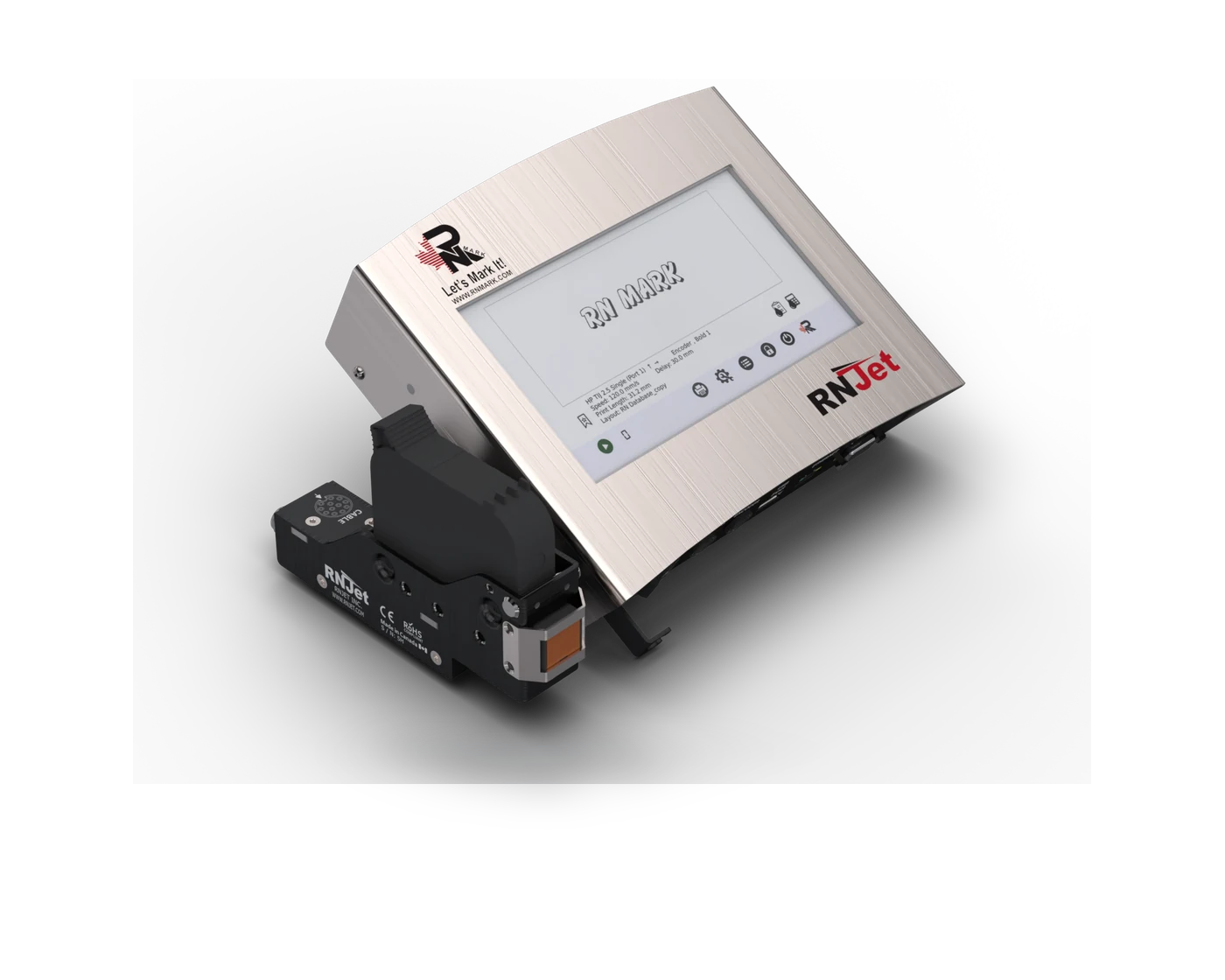
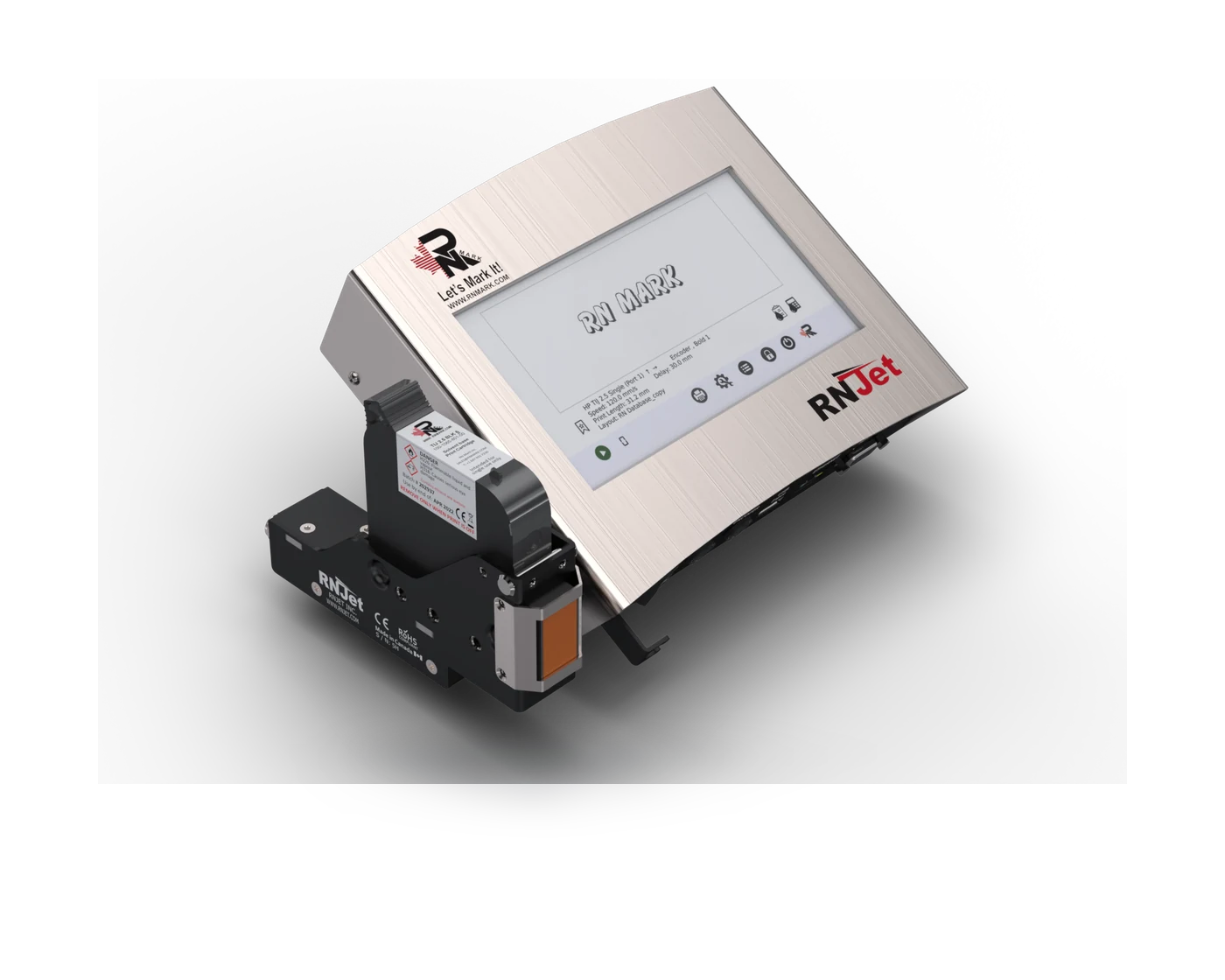
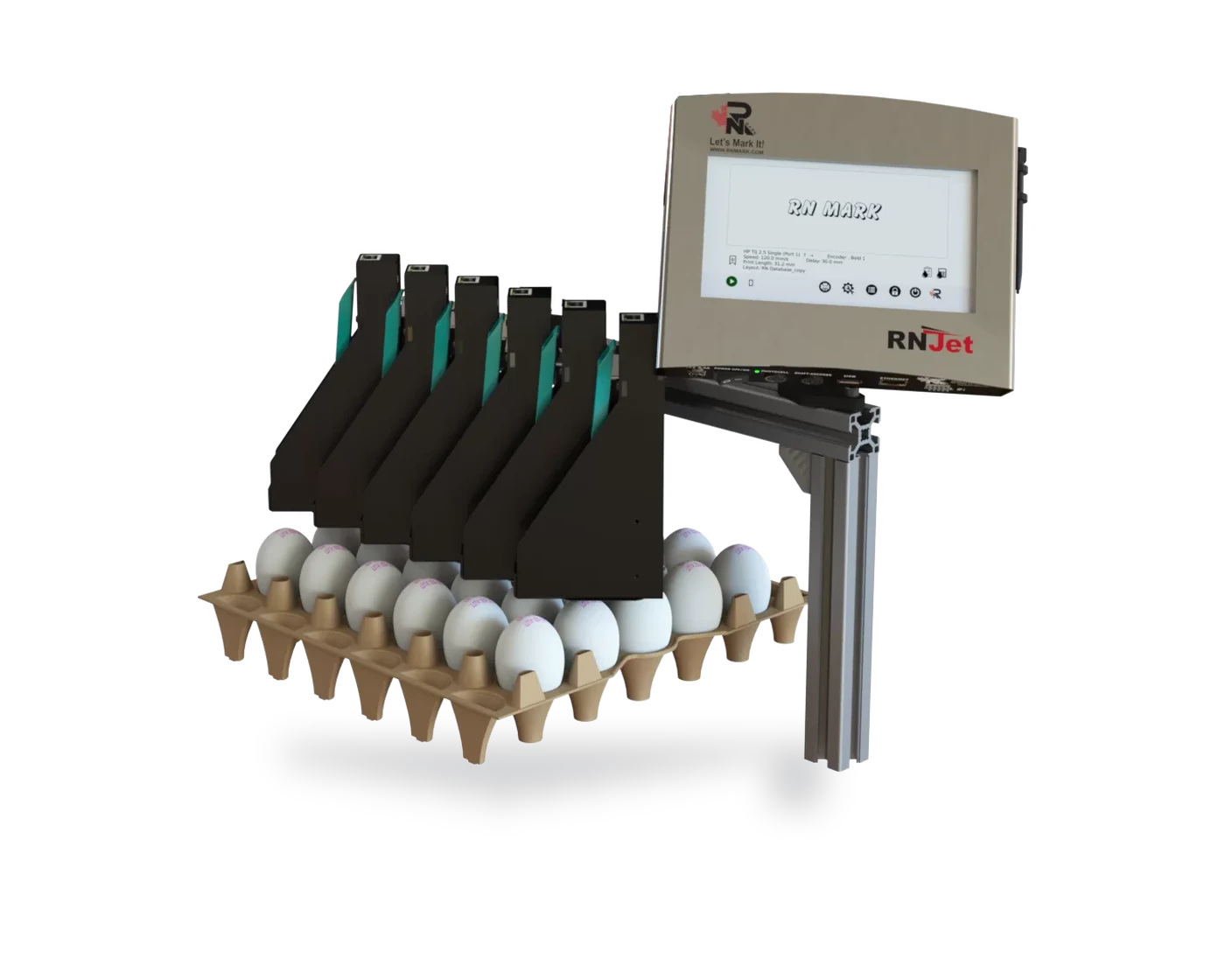
No. Design the print layout in the free RNJet mobile app and send it to the printer over Bluetooth, then manage day-to-day printing — on/off, layout selection, speed and settings — directly from the printer's built-in touchscreen.
The RNJet ECO companion app is available for both iOS and Android.
ECO H1 prints up to 12.7 mm (0.5 in); ECO T1 prints up to 25 mm (1 in). Both use 60 mL cartridges.
Yes — the RNJet ECO is built as an affordable, easy-to-deploy TIJ coding solution for lines that don't need a full controller-based system, while still printing variable text, dates, counters, barcodes and QR codes.
Share a few details about your product and production line, and a RNJet USA specialist will follow up with a tailored recommendation and quote.
Fill out the form and our team will respond as soon as possible.