
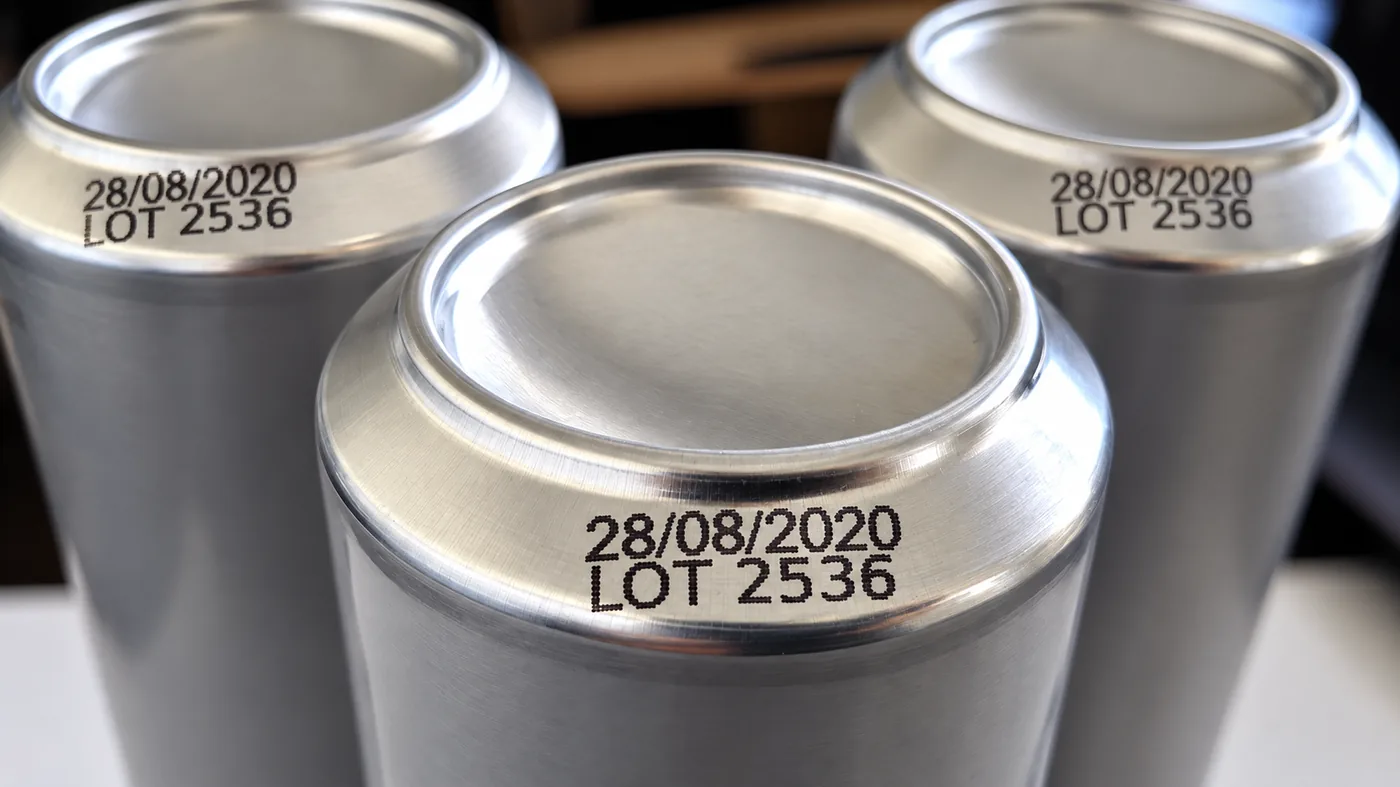
A useful printer shortlist starts with the mark you need to produce. A date coder prints a manufacturing, packaged-on, best-before or expiration date. A lot code printer identifies a production run. A batch coding machine may print both in the same message. These names describe the job; they do not determine which printer and ink will work on your line.
1. Write the complete production code
Prepare the exact message before comparing equipment: date format, batch number, number of lines and character height. If a barcode or QR code is required, include its data and the available print area. A small text message and a scannable 2D code can need very different layouts. Review how operators will change batch numbers and how date fields should advance.
2. Match the ink to the packaging surface
An uncoated corrugated carton absorbs ink differently from a coated carton, plastic pouch or aluminum can. Supply the actual packaging material and describe what happens after printing. Rubbing, condensation, packing and temperature can affect code durability. An ink sample should be assessed under your production conditions before a full rollout.
For porous cartons and paper, review water-based TIJ ink. For plastic and coated packaging, discuss the material with RNJet USA before choosing a cartridge from the ink catalog.
3. Compare thermal inkjet and piezo options
The RNJet H1 thermal inkjet printer offers up to 12.7 mm print height. The RNJet T1 provides up to 25.4 mm. For small-character piezo coding, review the RNJet 100 and its print-direction requirements. Compare industrial inkjet printer technologies against the actual job rather than treating print height as the only selection criterion.
Plan each coding position
If a product needs codes on two faces or the line has multiple coding points, map each location separately. The RNJet H2 dual-head thermal inkjet printer is an option to discuss for two coding points. For a larger installation, review the H4 and H24 pages and confirm the supplied configuration in your quotation.
List which messages must match across positions, which can differ, and how operators will confirm the correct batch at changeover. Include mounting photographs with the code samples when requesting a recommendation.
4. Check conveyor access and drying time
Record conveyor speed, product spacing and the distance to the next guide rail, roller or packing step. Check whether the proposed printhead can reach the code location without interfering with handling equipment. A beer can date coder also needs an assessment of can curvature and surface moisture; see our can coding guide.
5. Make the first production trial useful
Test the complete message at the intended operating speed. Check the first and last products, repeat a batch changeover and inspect the mark after normal handling. Scan barcodes with the intended readers, and arrange verification when the application requires it. Record the printer settings and ink part number so the result can be repeated.
Send RNJet USA your packaging sample, code example, line speed and mounting photos for an application review. Explore RNJet batch coder configurations and print samples on film, cans and cartons, browse printers and supplies, or contact our team.