




Side & Top Coding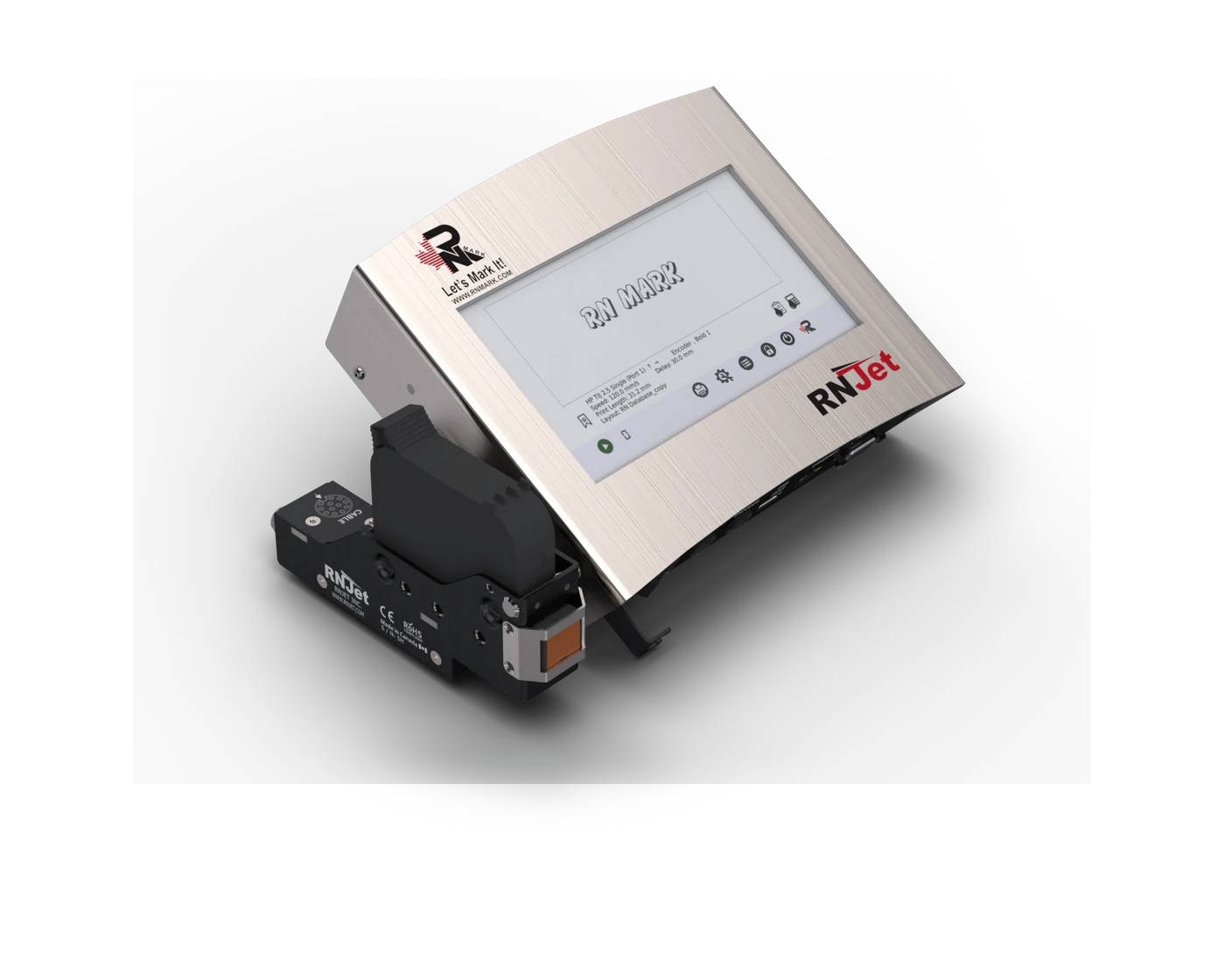
RNJet H1
Thermal inkjet printer for small date and batch codes — up to 12.7 mm print height.
RNJet H1 specificationsProduction dates, best-before dates and lot codes on beer, beverage and energy drink cans — with ink and print position tested for your canning conditions.
A can coder needs clear access to the printing surface, and printing on a can's side or bottom involves different mounting and product-handling arrangements. Chilled cans, rinsing and condensation also change the condition of the print area — ink suited to a dry can will not necessarily perform the same on a wet surface.
RNJet thermal inkjet and piezo printers print static text, auto date & time, auto expiry date, batch numbers and barcodes. Select the printer, ink and mounting arrangement for the can body or bottom. Test adhesion and drying on your can finish under actual filling, rinsing and chilling conditions; a dry print area or a different coding position may be needed.
Share a filled-can sample, line speed and code content — we'll recommend the right printer and ink.
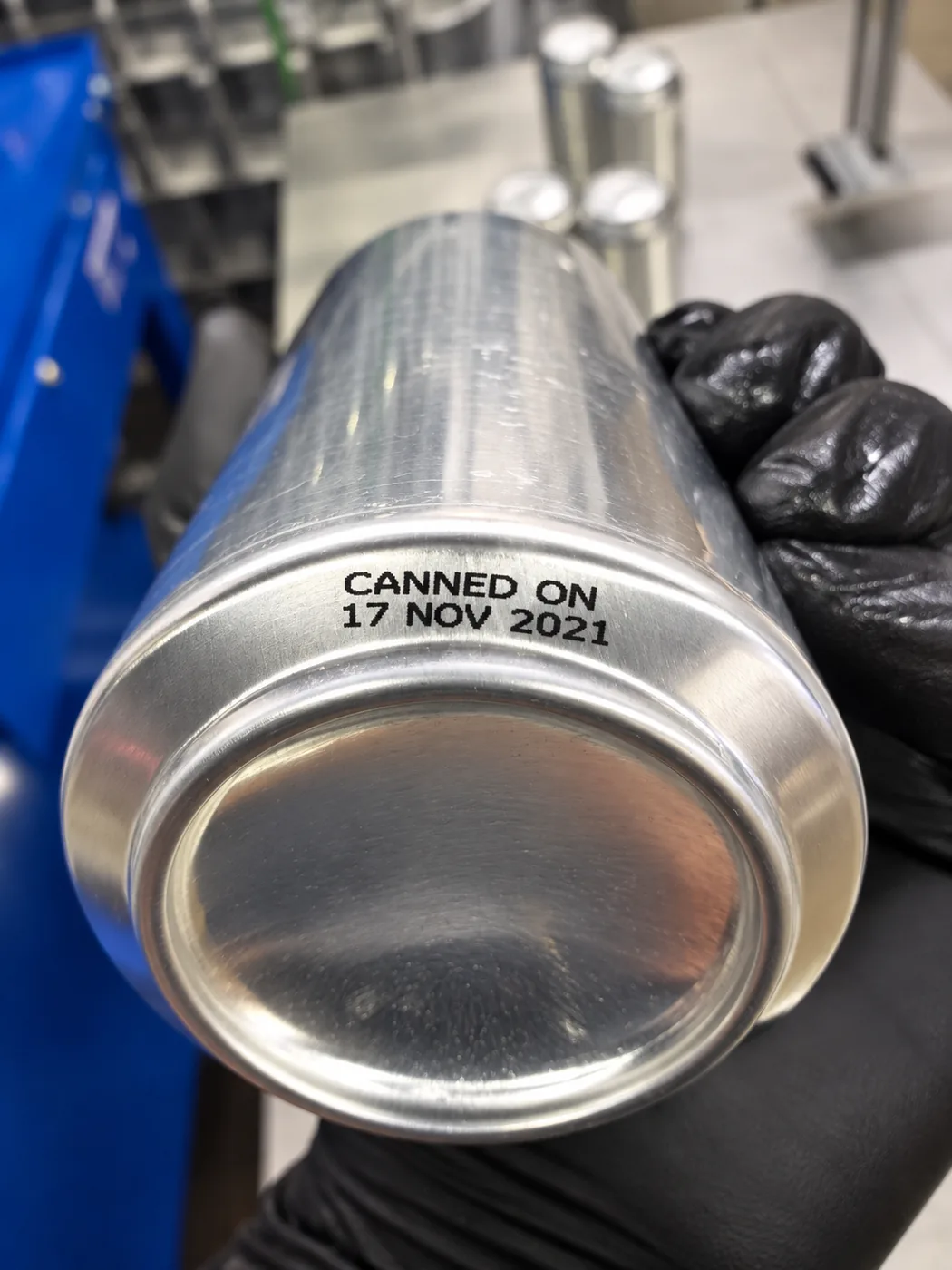
Print height range across RNJet H1 / T1
Multi-orientation printing for can bottoms
Check drying and adhesion on your actual can
Review model-specific cleaning and supplies
From craft breweries to high-speed canning lines, RNJet covers the full range of beverage cans.
No single printer fits every canning line — here's where each RNJet platform typically fits.
Thermal inkjet printer for small date and batch codes — up to 12.7 mm print height.
RNJet H1 specifications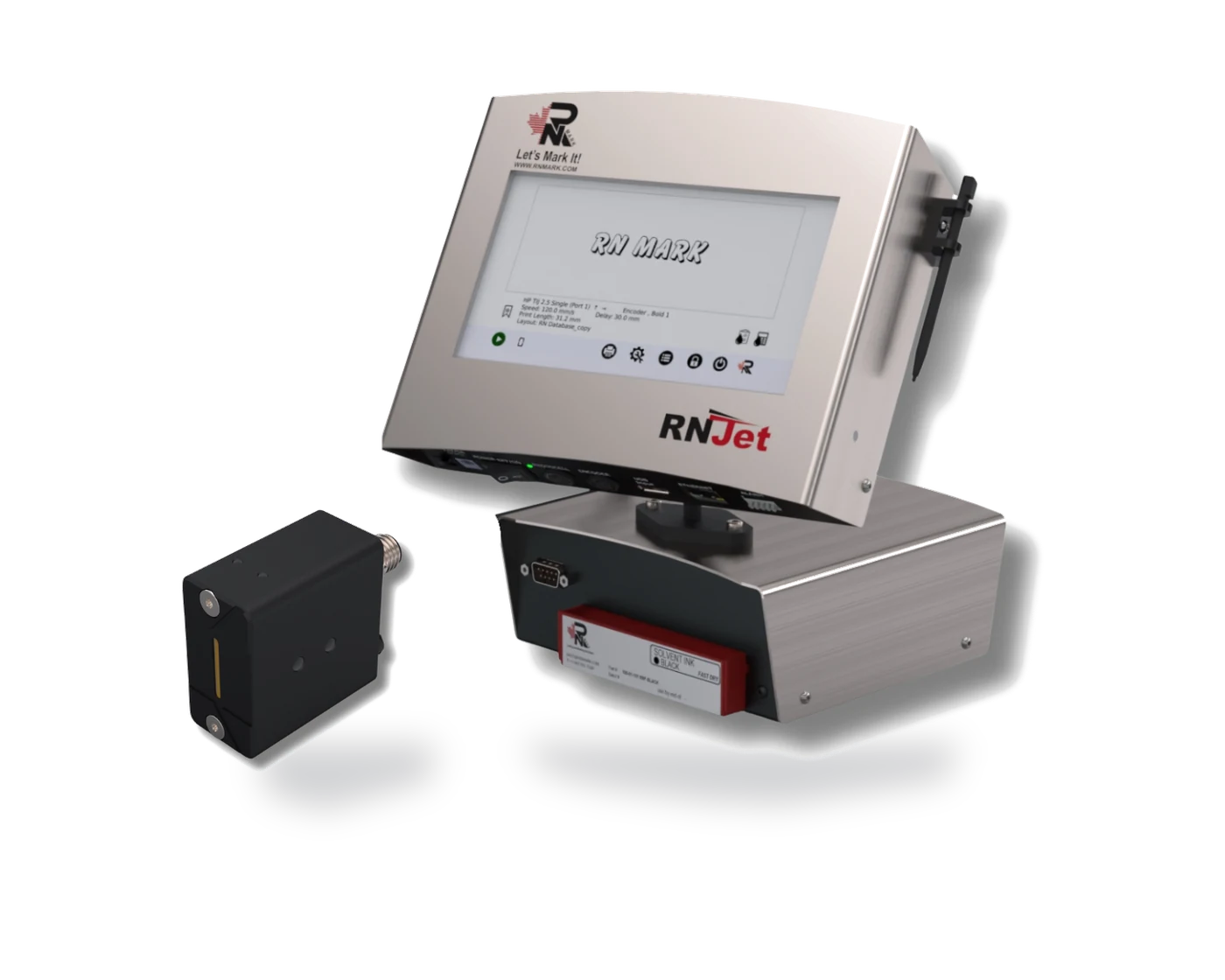
Small-character piezo printer with up to 18 mm print height and upward, downward and angled printing for can bottoms.
RNJet 100 specifications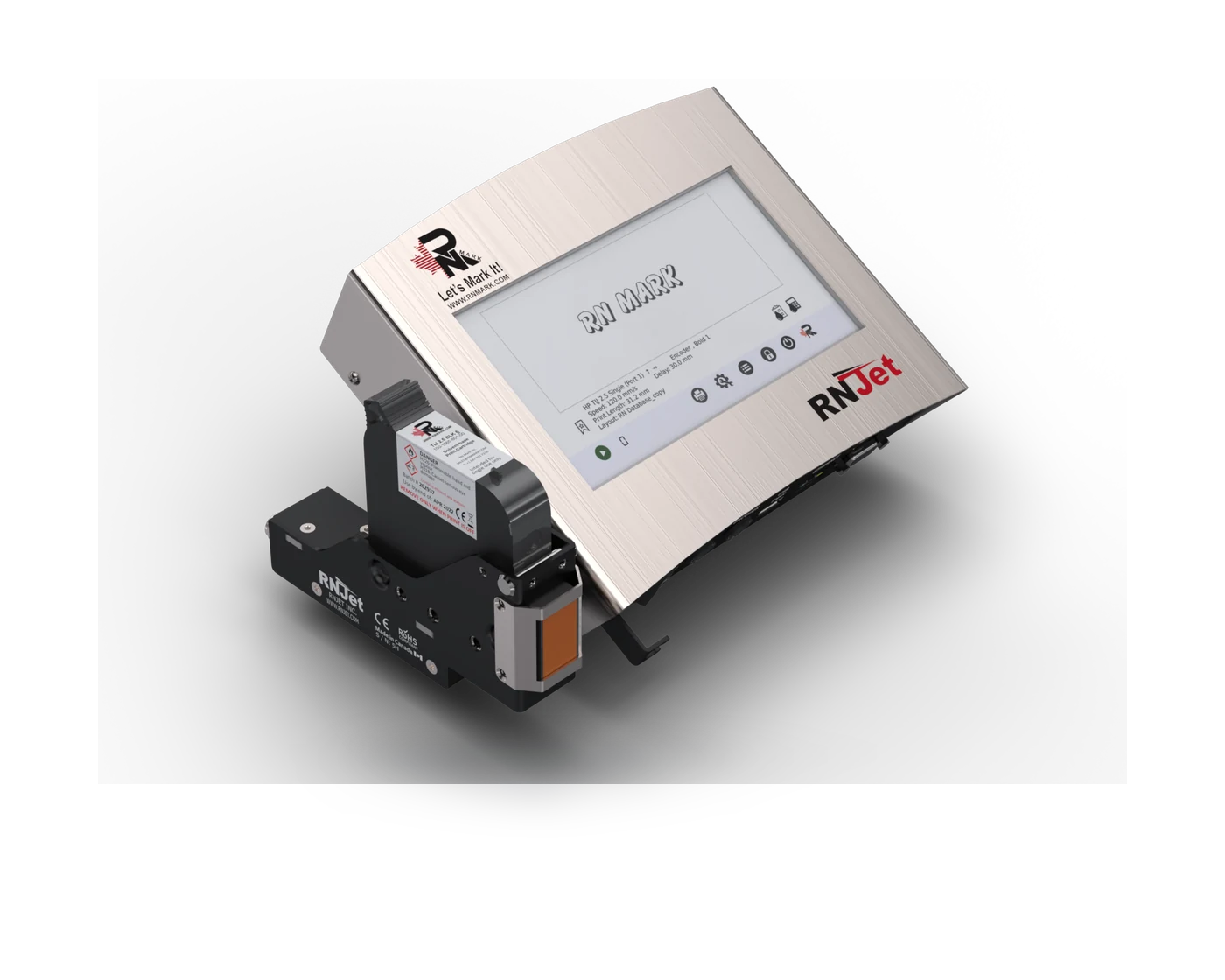
Up to 25.4 mm print height for larger date and lot codes on bigger can formats.
RNJet T1 specifications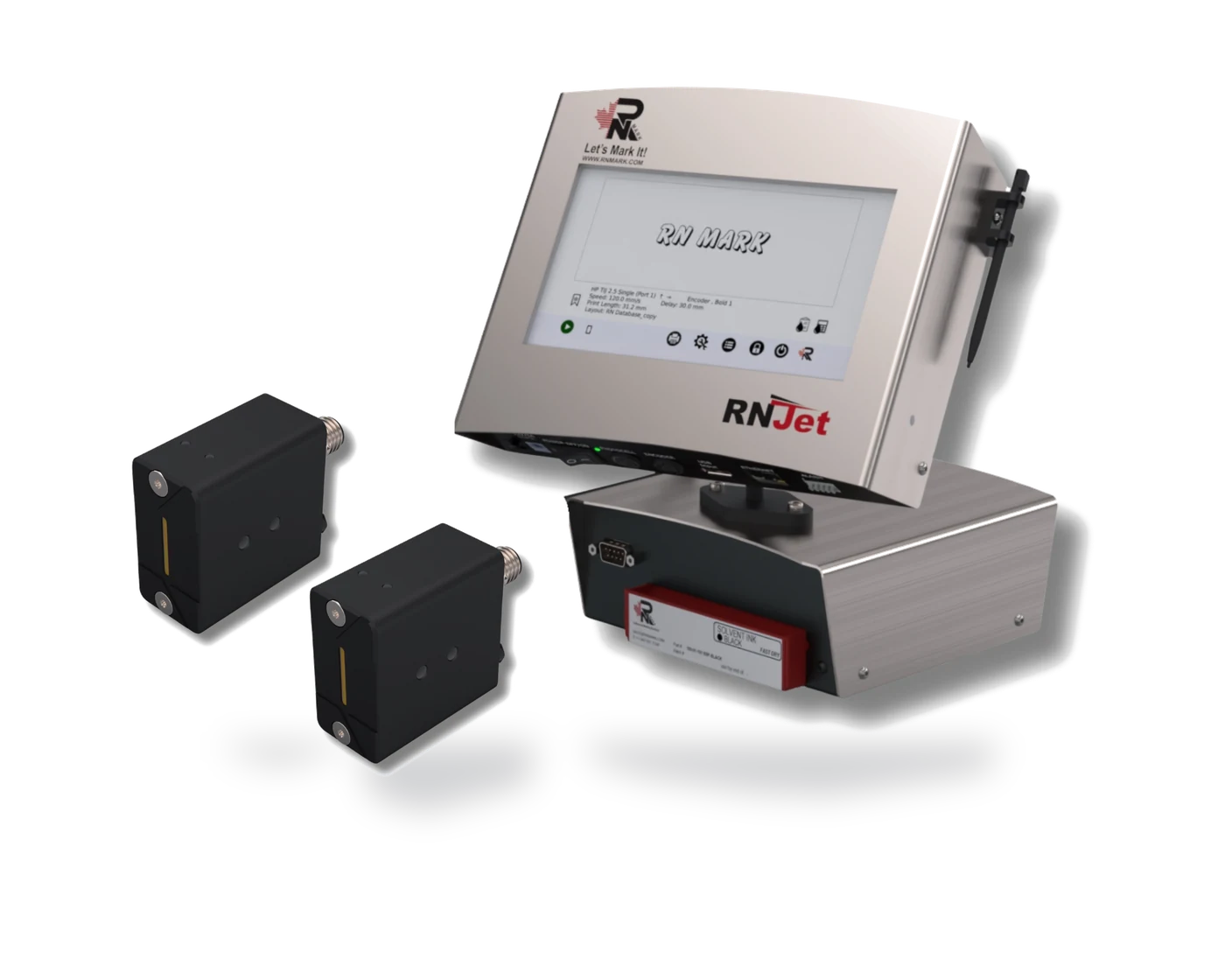
Dual-head piezo printer for coding two positions — such as can side and bottom — on busy canning lines.
RNJet 200 specificationsSide, upward, downward and angled printing to reach can bodies, tops and recessed bottoms.
Test the proposed ink on your actual can finish. Assess drying, adhesion and legibility through rinsing, chilling and handling.
Confirm message readability and drying at your actual conveyor speed, can spacing and code layout.
Compare cartridge and bulk ink systems, their operating supplies and model-specific cleaning instructions.
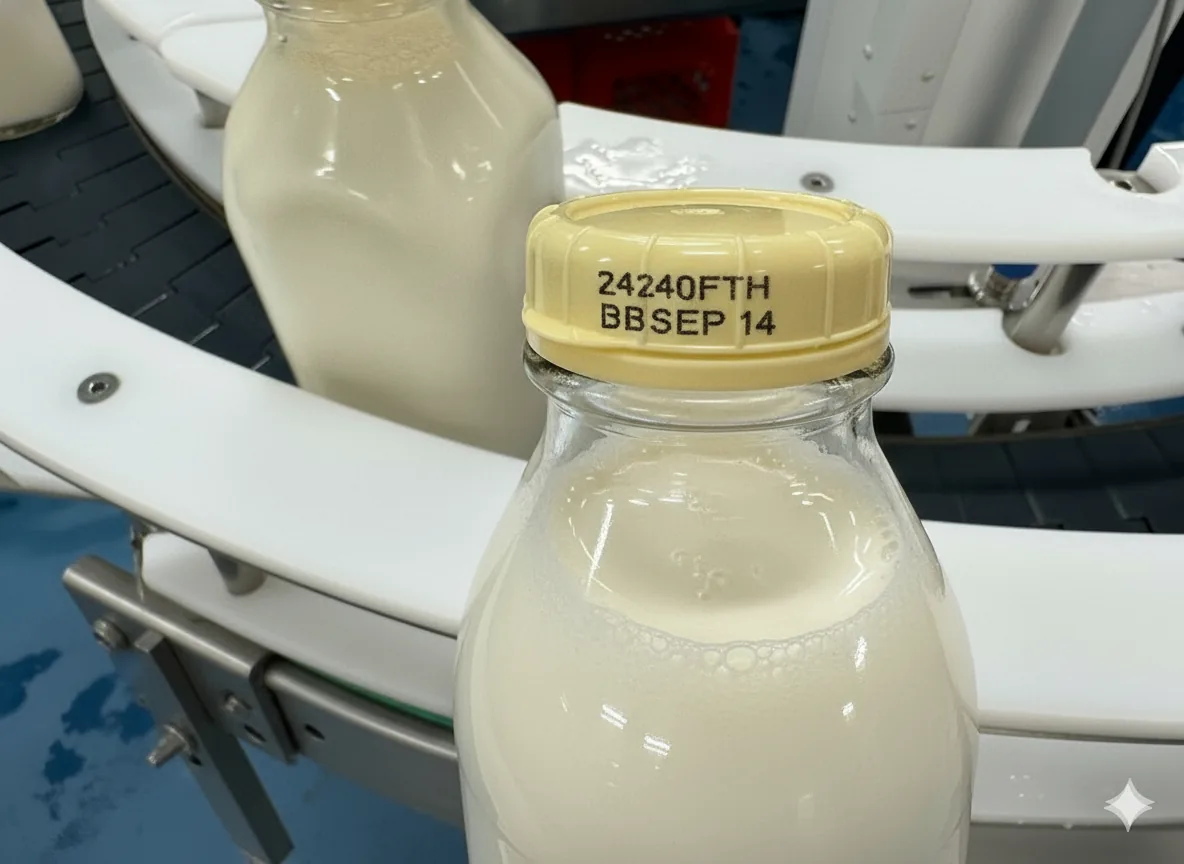
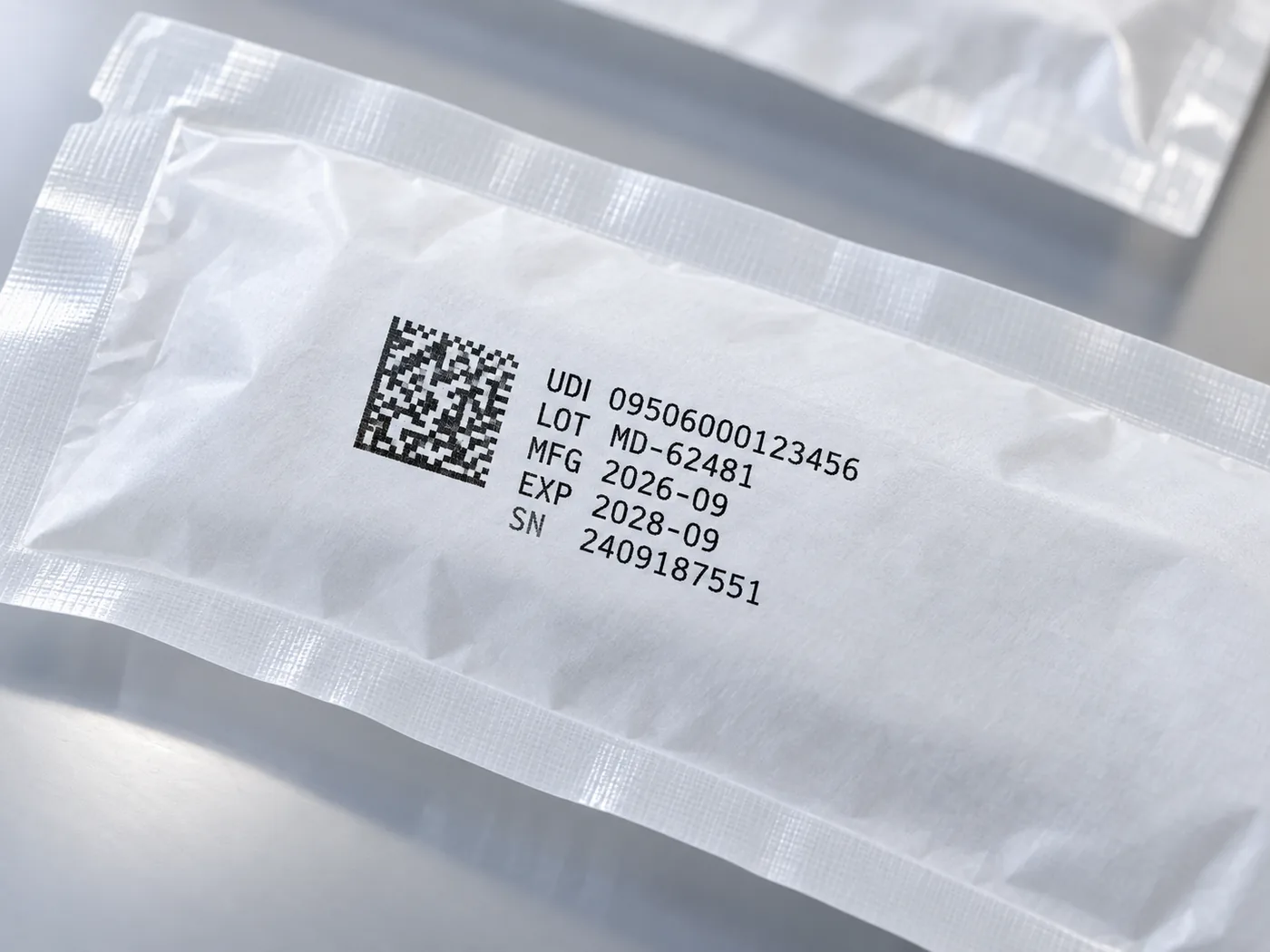
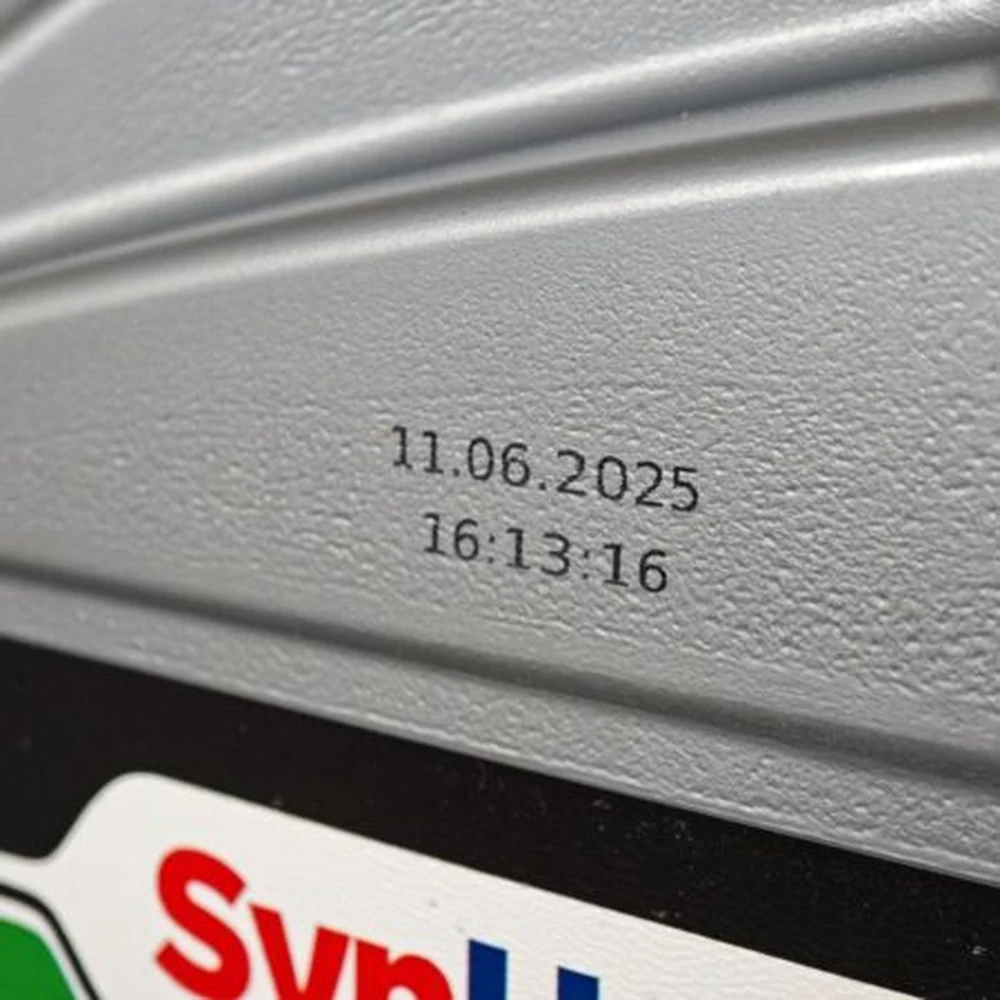
Actual production samples printed with RNJet TIJ and piezo printers.
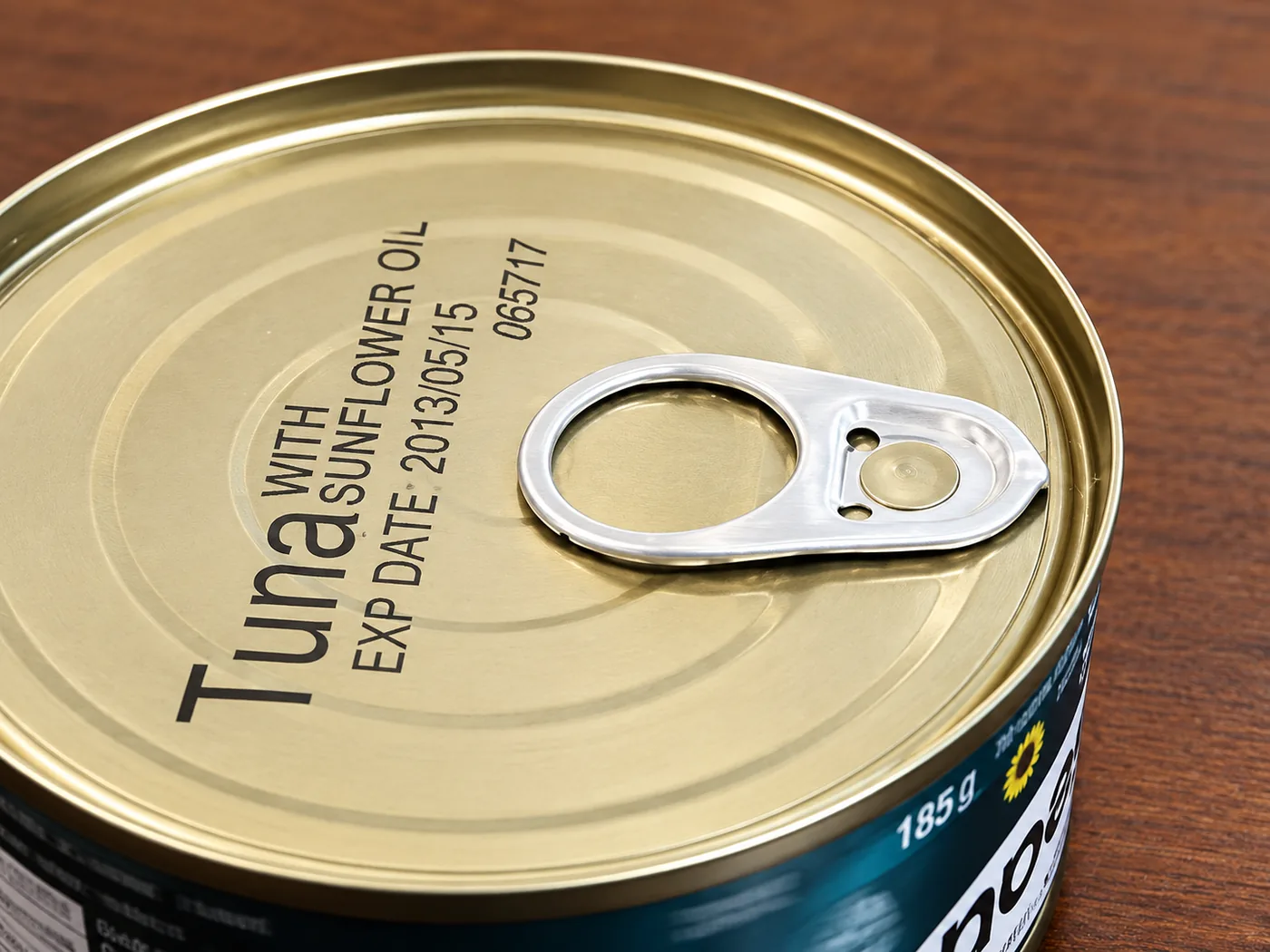
Send a filled-can sample, the required packaged-on or best-before date format, the batch code and the line speed. Include photos showing the print station before and after filling.
See how the RNJet H1 is used on American Canning lines for examples of date and lot coding on beer cans. The RNJet 100 example on a Twin Monkeys line covers printhead placement and triggering.
Keep the complete message readable after rinsing, chilling and case packing. Review the proposed print station against your filling and conveyor layout.
High-speed energy drink lines need ink that dries fast enough before the next handling step. Share your line speed and can finish for a recommendation.
Confirm contrast and legibility against colored or printed can finishes. Test the actual can and process conditions before a full run.
Provide the date and lot code format and confirm legibility at your required line speed. Include a barcode sample if one is required.
Bottom coding needs access to the recessed print area and a compatible print direction. Confirm available printhead distance and can stability with RNJet USA before choosing a setup.
Test the full packaged-on date and lot code on the same aluminum can and finish you run in production. If you are deciding between the sidewall and the recessed bottom, compare the available print area, can stability and how easily operators can read the code after packing.
See an RNJet H1 beer can print sample, review the RNJet H1 specifications, or request a can coding print test.
For date and lot codes across cans, cartons and other packaging, compare batch coders by material, print height and line speed.
A filled-can sample, the required packaged-on or best-before date format, the batch code and the line speed, plus photos showing the print station before and after filling. The coder needs to fit the available space and produce a readable code through later rinsing, chilling and packing steps.
Bottom coding needs access to the recessed print area and a compatible print direction. RNJet 100 supports upward, downward and angled printing, but ink performance should still be confirmed on your actual can finish before committing to a setup.
Chilled cans, rinsing and condensation change the condition of the print area. A dry, clean print area may require repositioning the coder or adding an air-drying step — ink suited to a dry can will not necessarily perform the same on a wet surface.
Match the ink supply to the printer model first, then assess drying and adhesion on your can coating. H1 and H2 use TIJ 2.5 cartridges; T1 and T2 use TIJ 1.0 cartridges. RNJet 100 and 200 piezo printers need supplies matched to their specific ink system. Provide the existing part number when reordering; a similar-looking cartridge does not establish compatibility or suitability for wet cans. Compare RNJet USA inks and consumables, or request a can-surface application review before selecting a new ink.
Compare print quality, ink compatibility, operating supplies and maintenance procedures for each proposed system. RNJet care requirements vary by model; follow the cleaning and storage instructions and confirm the code on your actual cans.
Explore how to choose a date, lot and batch coder, how to choose TIJ ink, or browse printers and supplies.
For a packaged-on date and lot number on a recessed can bottom, measure the flat area inside the rim and check clearance as the can passes the print station. For a longer message on the sidewall, check how the curve and artwork affect readability.
Compare the RNJet H1 thermal inkjet can coder with the RNJet T1 using your actual can and message. If the project includes a 2D retail barcode, use the GS1 Sunrise 2027 barcode printer checklist to plan the test.
Use your required message height and can-surface trial to review the printer and cartridge together. The exact ordering pages below identify the configuration and show current U.S. pricing and availability.
| Code layout to review | Exact printer | Cartridge options to assess |
|---|---|---|
| Date and lot layouts up to 12.7 mm high | RNJet H1, part 048-0001-000 | Black 9, 100-1569-801 or Black SG, 100-1561-801 |
| Taller layouts up to 25.4 mm high | RNJet T1, part 048-0060-000 | Black CT TIJ 1.0, 100-1998-801 |
Approve the code on the actual can finish under your rinsing, chilling and handling conditions. Include the time available for drying and photographs of the proposed print position. For recessed bottoms, review access, print direction and mounting clearance with RNJet USA before choosing the exact setup.
Use the date and batch coder selection checklist to prepare your trial, then request a can-coding recommendation with the printer and ink part numbers you are considering.
Share your can material, size, print location and line speed, and a RNJet USA specialist will recommend the right printer and ink.
Fill out the form and our team will respond as soon as possible.
Explore RNJet USA printers, inks and supplies or request an application quote. Confirm print height, substrate, line speed and ink compatibility before purchasing.