
By Dylan. Originally published by RN MARK on .
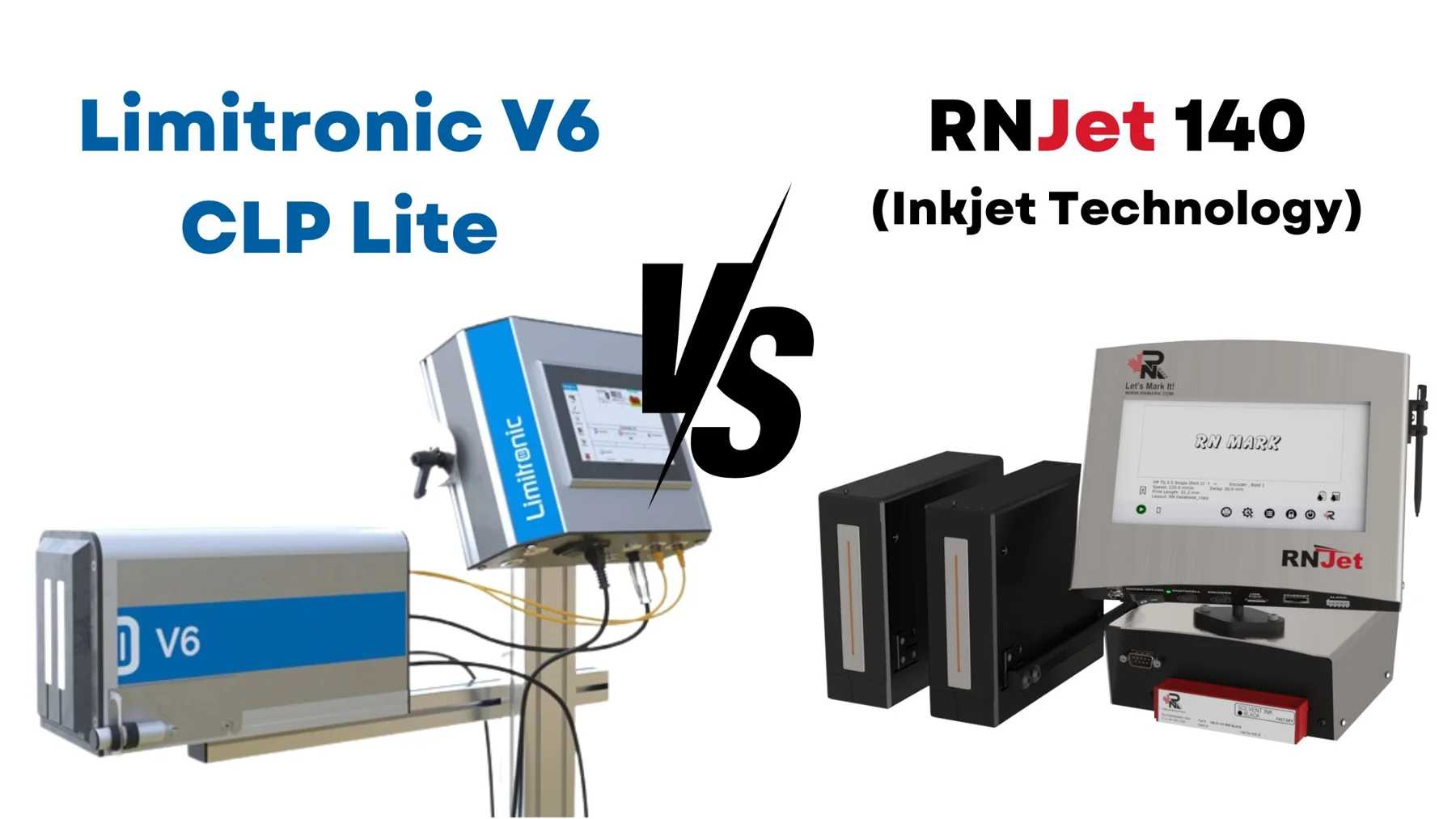
Compare the RNJet 140 XL and the Limitronic V6 CLP Lite when you need two colors on cases or cartons. Start with the approved artwork and mounting position. Then confirm the printhead arrangement, ink and required speed for that code.
On this page
Compare the published specifications
| Specification | RNJet 140 XL | Limitronic V6 CLP Lite |
|---|---|---|
| Print arrangement | Two piezo printheads. Confirm the head arrangement for the code. | Two colors in one compact unit. |
| Published print height | Up to 144 mm. Confirm the printable area for your head arrangement. | 72 mm or 140 mm, depending on the configuration. |
| Published speed at 180 dpi | Up to 60 m/min | Up to 60 m/min at its native resolution |
Match ink and printheads to the artwork
The 140 XL uses 430 mL cartridges. Limitronic lists oil-based and UV LED inks for the V6 CLP Lite. Give both suppliers the actual carton finish and required colors. Check where the colors overlap and how the mark looks after handling.
Compare line speed at the same resolution
RNJet also publishes up to 90 m/min at 120 dpi for the 140 XL. Limitronic gives a wider speed range that depends on resolution. Use the speed at the resolution needed for your artwork, then confirm it with the complete design at normal production speed.
Check the mounting and print trigger
Measure the available head clearance and the movement of each carton through the print station. Confirm the product sensor and encoder requirements. For a two-color layout, check that both colors align after changes in line speed and after a stop and restart.
Choose the exact RNJet 140 configuration
The RNJet 140 XL is the cartridge-based model in this comparison. The U.S. catalog also lists separate 490 mL motorized-bottle configurations for the solvent-based RNJet 140Plus and oil-based RNJet 140Plus. Confirm the code layout and ink system before ordering.
Run a two-color print trial
Supply the final artwork, carton samples, target line speed and time until the first handling step. Check color alignment, legibility and any barcode with the same acceptance criteria on both printers. See the corrugated box printing guide or request a print trial.