Prepare a pouch or film coding trial
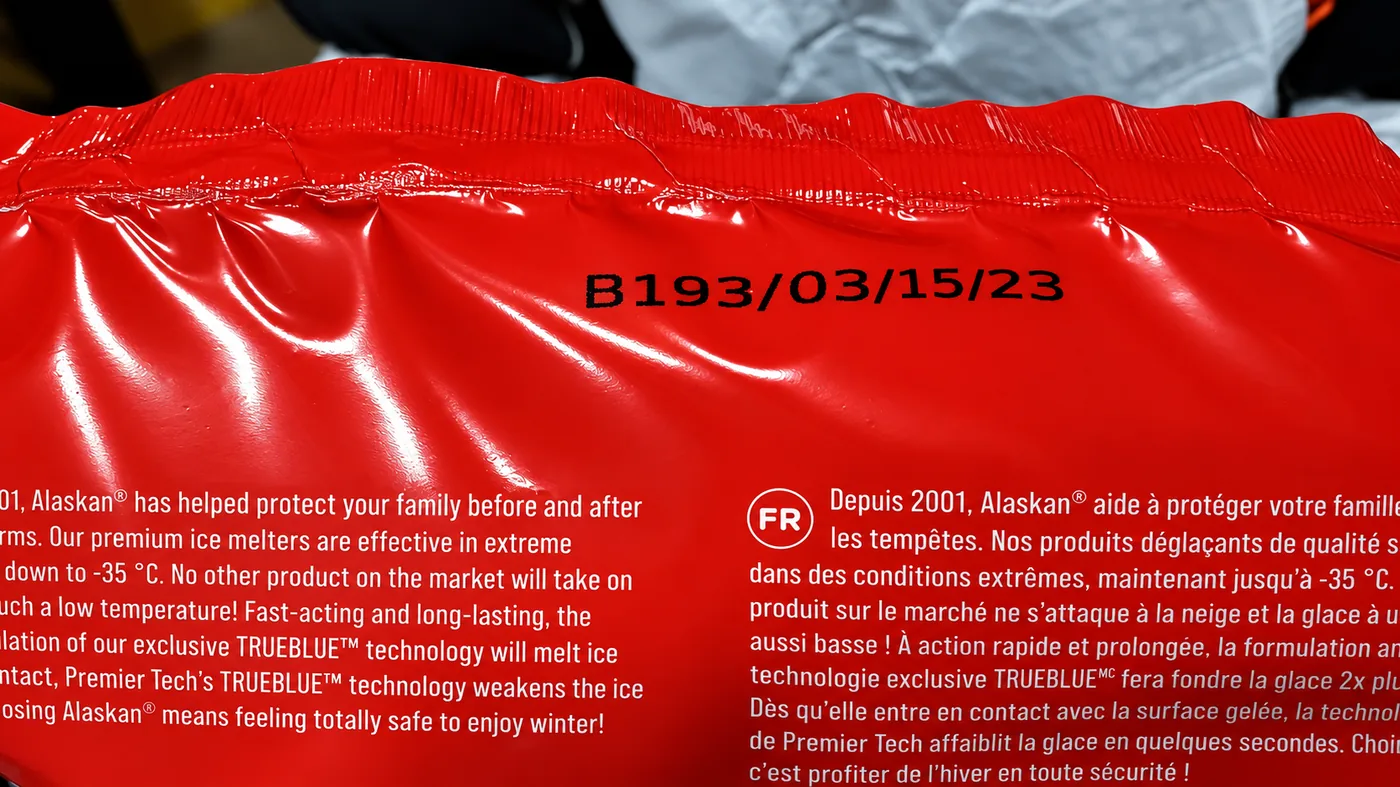
Use the RNJet H1 plastic-film print sample as a reference. Bring film from your own production roll or a finished pouch, and check that the code stays readable after sealing and handling.
Send the finished packaging material, including its coating and printed artwork. Identify whether the code will be printed on flat film before forming or on a filled bag: wrinkles, unsupported film and changing product position can affect the print gap.
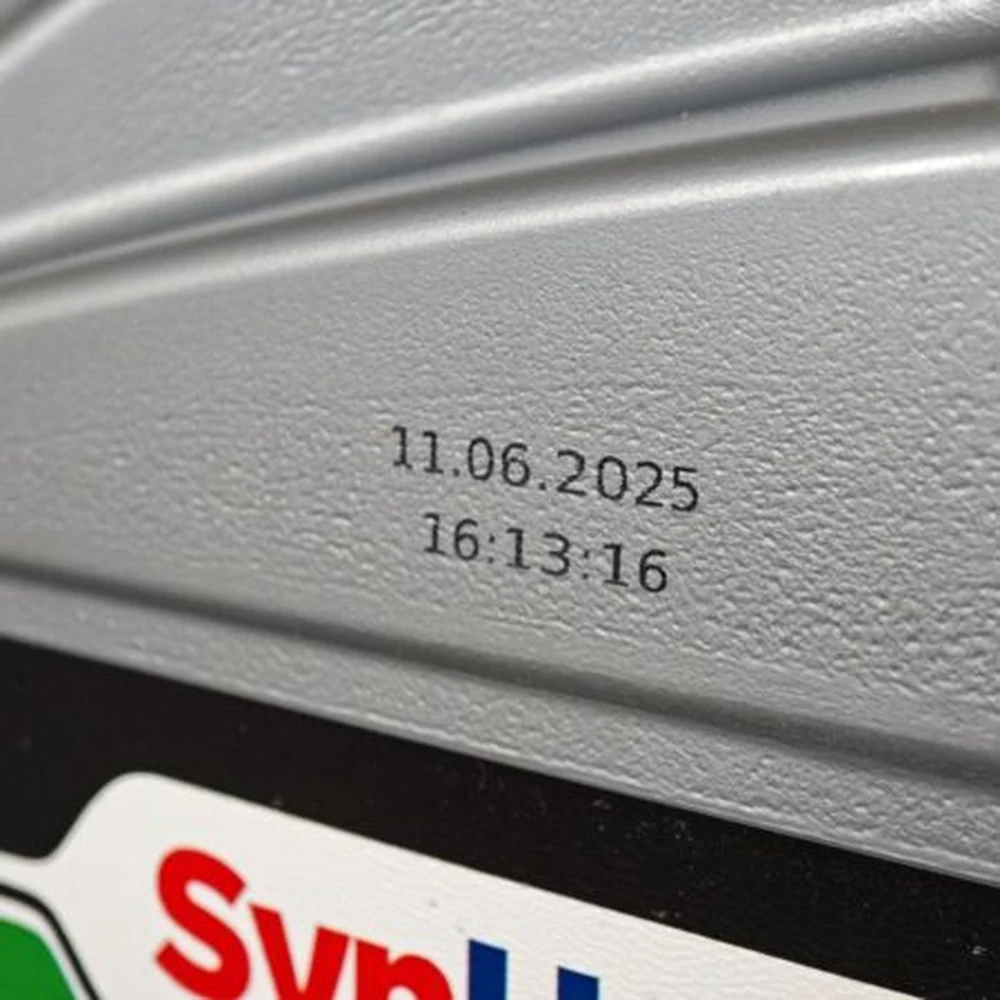
- Supply the complete date, lot or barcode message at the intended size, with a photograph showing the available print area.
- Record line speed, product spacing and the time between printing and the next roller, sealing jaw or packing step.
- Define acceptance checks for contrast, drying, rubbing and barcode readability after the handling and storage used in your operation.
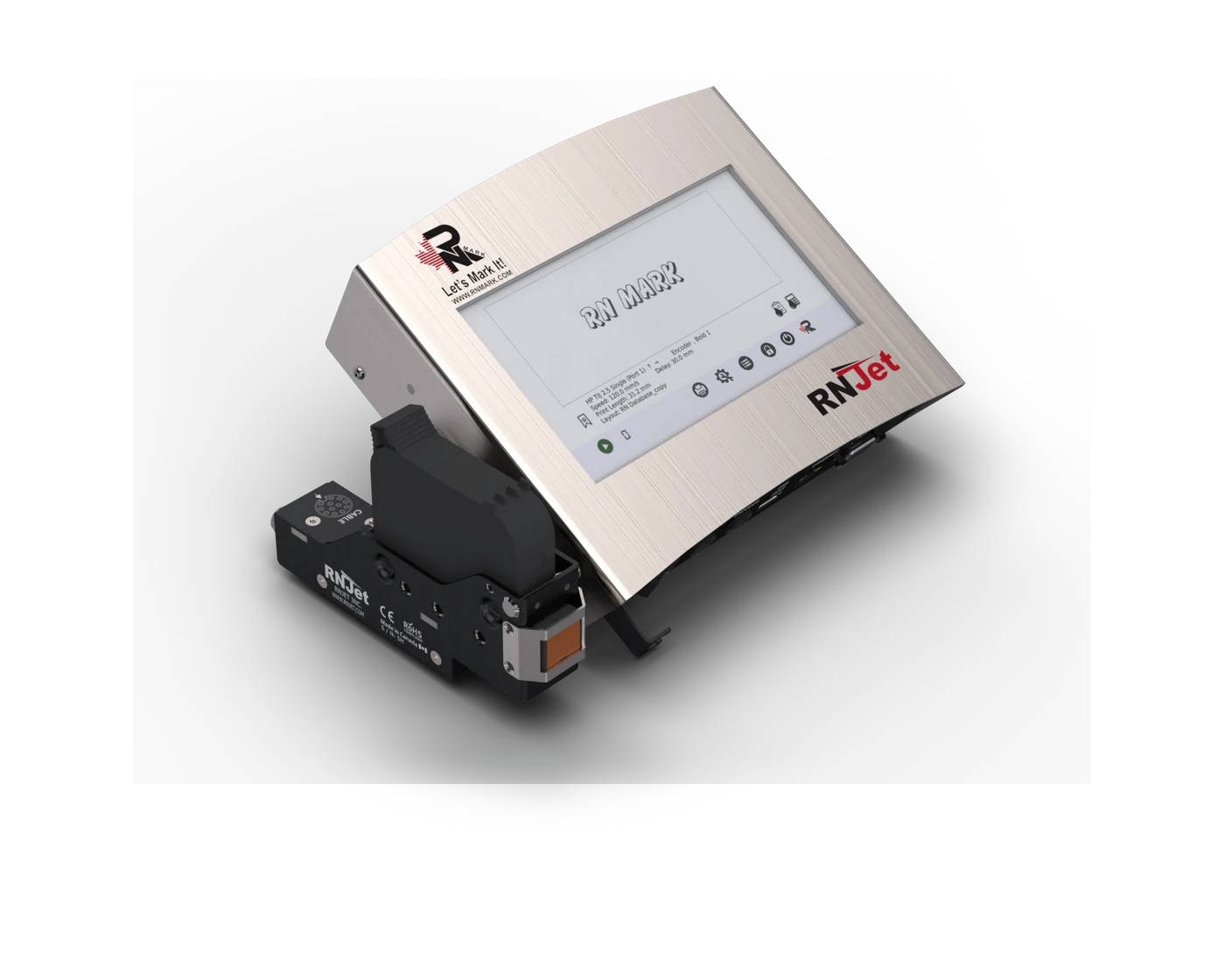
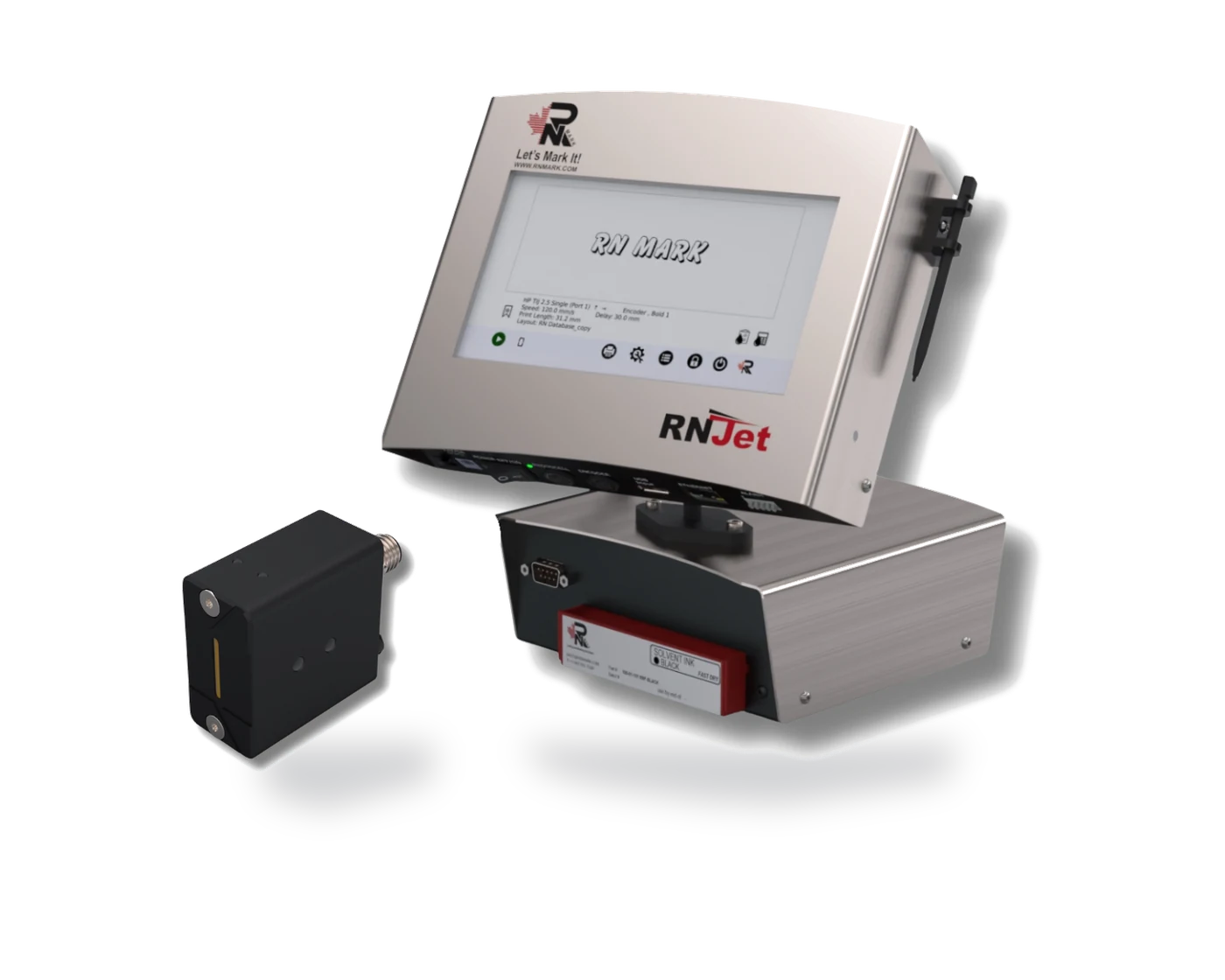
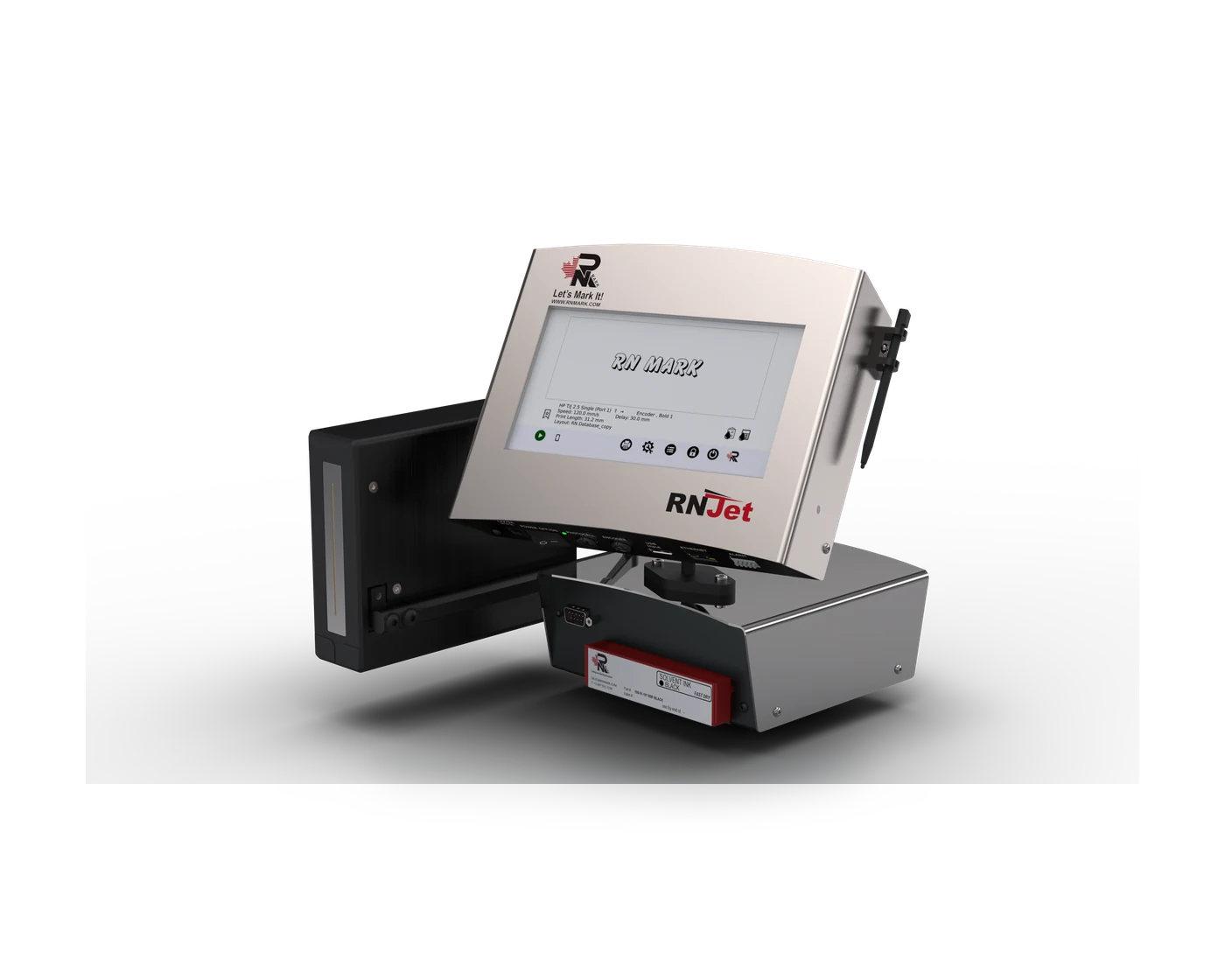
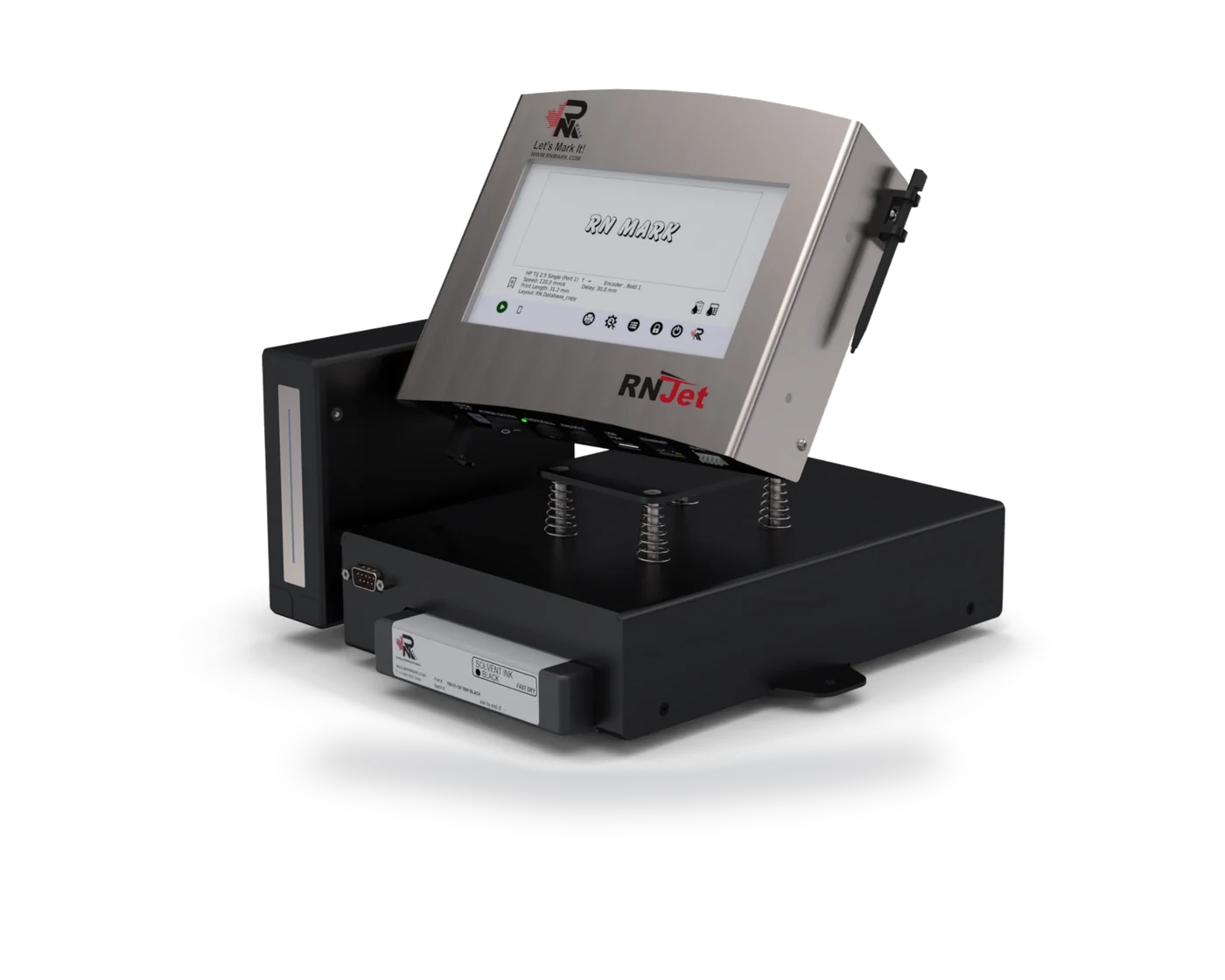
For compact codes, compare the RNJet H1 ordering configuration and RNJet T1 ordering configuration. Review TIJ cartridge selection with the actual film trial before choosing ink. For large sack markings, compare industrial inkjet printer options.
Where to print on film or pouches
Before forming. Check whether the code stays in the intended spot as the film feeds through the machine. Inspect a finished pack to confirm the code clears the seal and cut lines and remains readable where the artwork meets the print area.
After filling or sealing. Check the most and least filled packs your line normally produces. Compare how flat the print area stays and whether a gusset, wrinkle or zipper changes the distance to the printhead. For coffee pouches, also check the area around the valve. See the coffee bag coding guide for roast-date and lot-code examples.
Choose a printer for bags and pouches
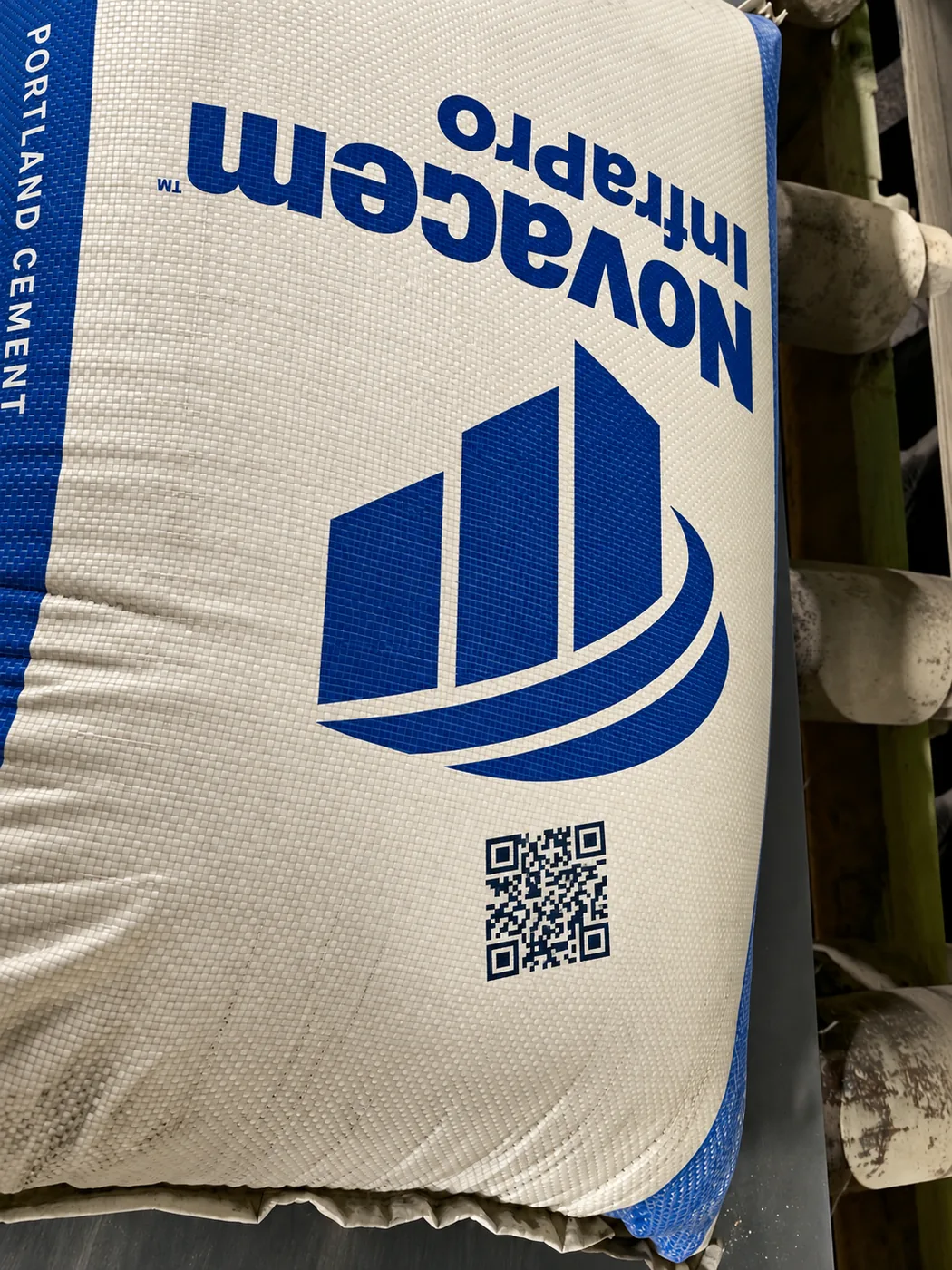
For small date and lot codes on coffee bags, snack pouches and sachets, evaluate a thermal inkjet printer such as the RNJet H1. For larger product IDs on bulk sacks, compare the message height and print area with the RNJet 72 large-character printer. Test on the actual printed film, laminate or sack material.
On glossy film, scan a finished pouch at the angle used in production. A code that reads on a flat sample can be harder to read when the pouch is filled or reflects light. For retail 2D codes, use the GS1 Sunrise 2027 printer checklist.
Request a flexible-packaging print trial and include the material, message, line conditions and acceptance checks.