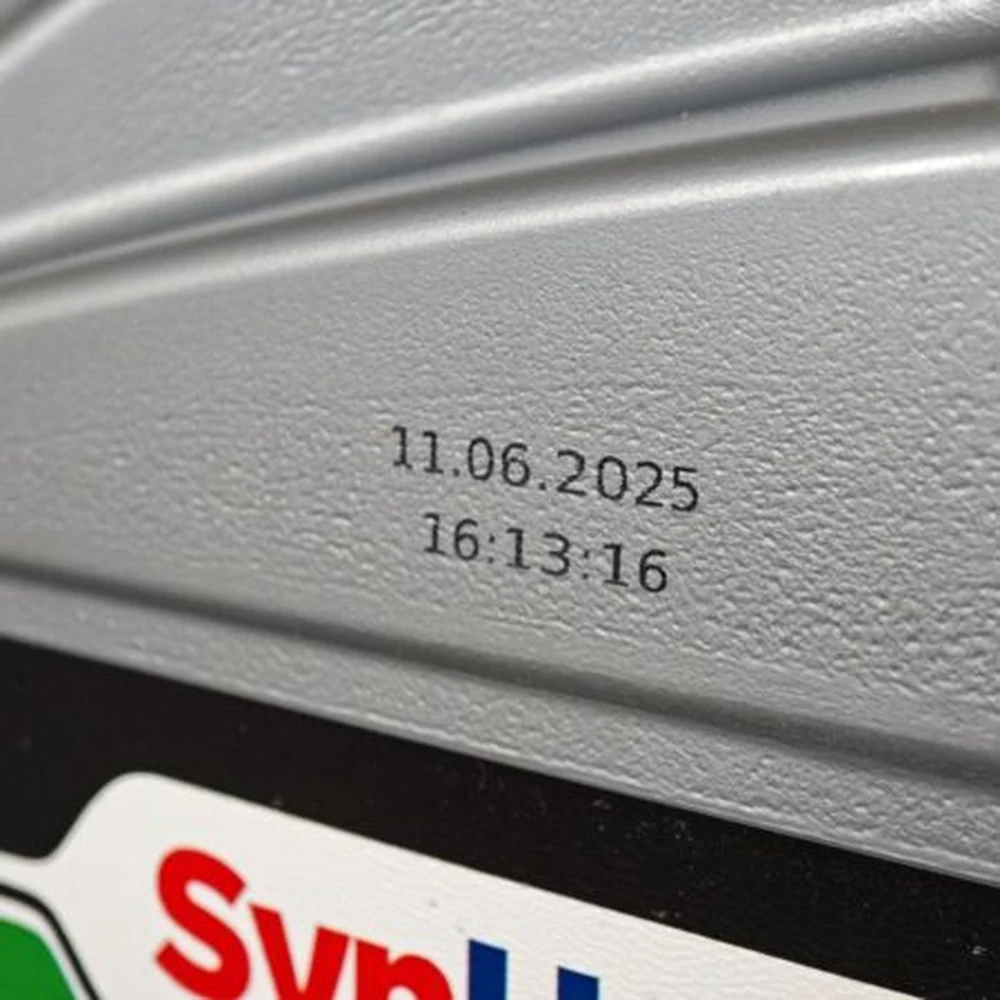
Choose the bottle coding position before the printer
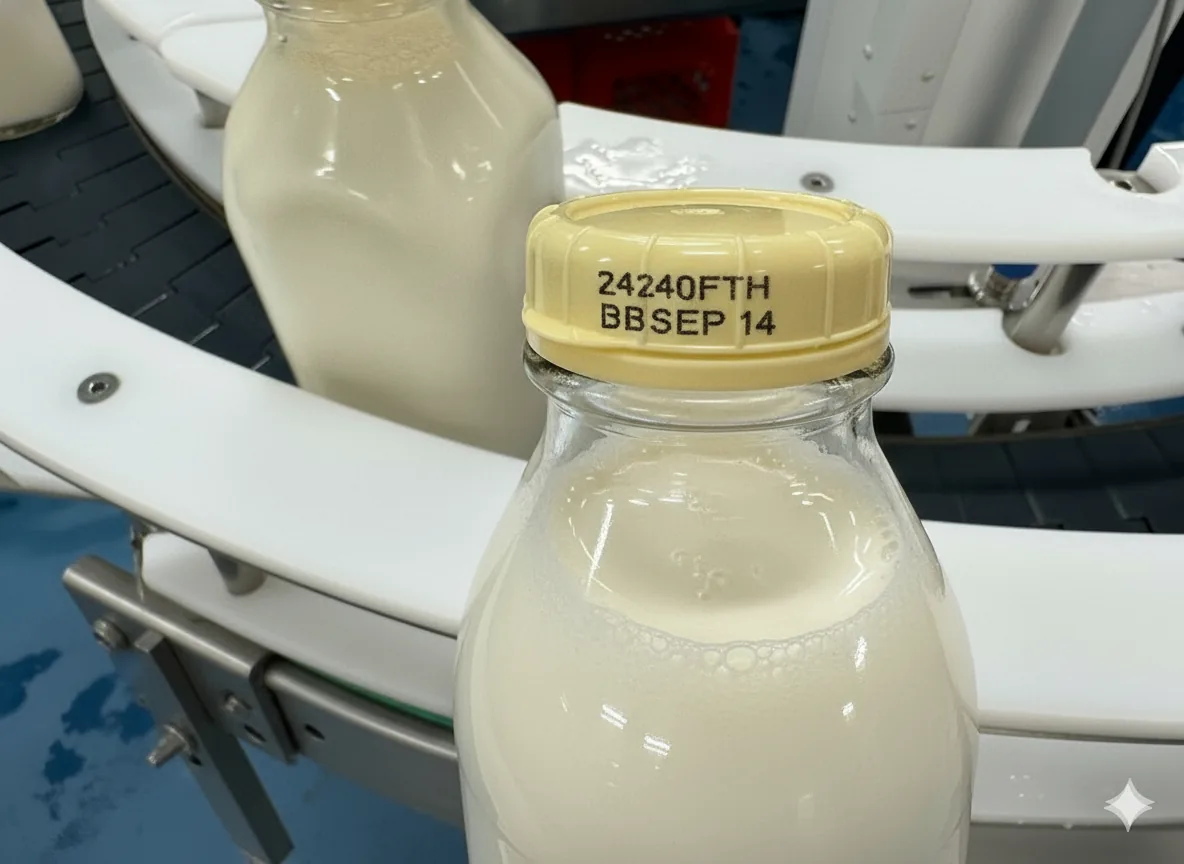
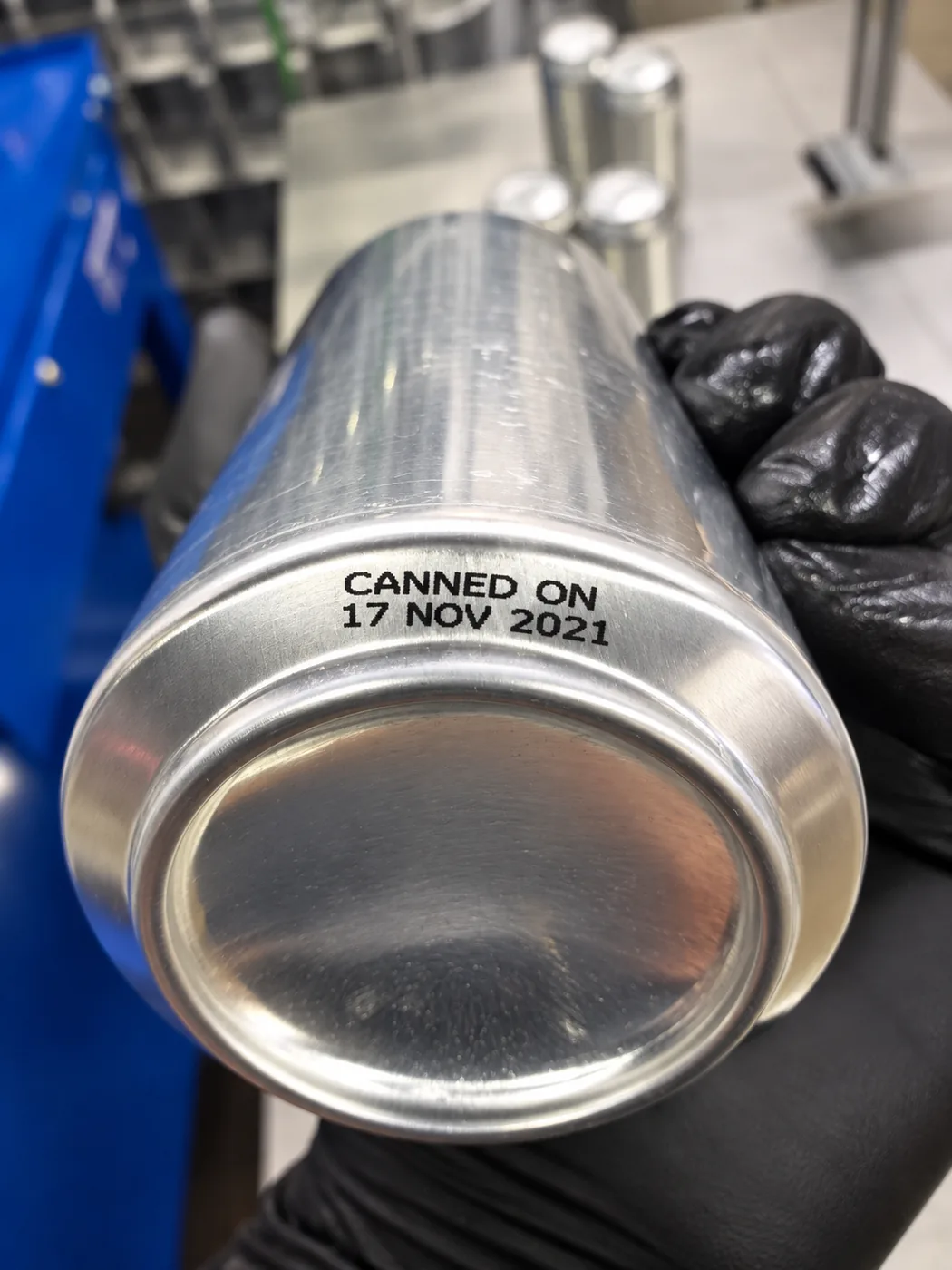
For a side-by-side look at the two print positions, see batch coding on glass bottles and caps. Use your own bottle and closure to check the full code after handling.
A cap, bare glass neck and coated jar shoulder are different printing surfaces. Identify the exact position and finish, including any coating or treatment, and supply a representative container with its closure.
- Show the code area, bottle diameter and direction of travel in a photograph. Include mounting clearance and how the container is guided past the printhead.
- Record whether the surface is dry, warm, chilled or affected by condensation when printing, plus any rinsing or handling afterward.
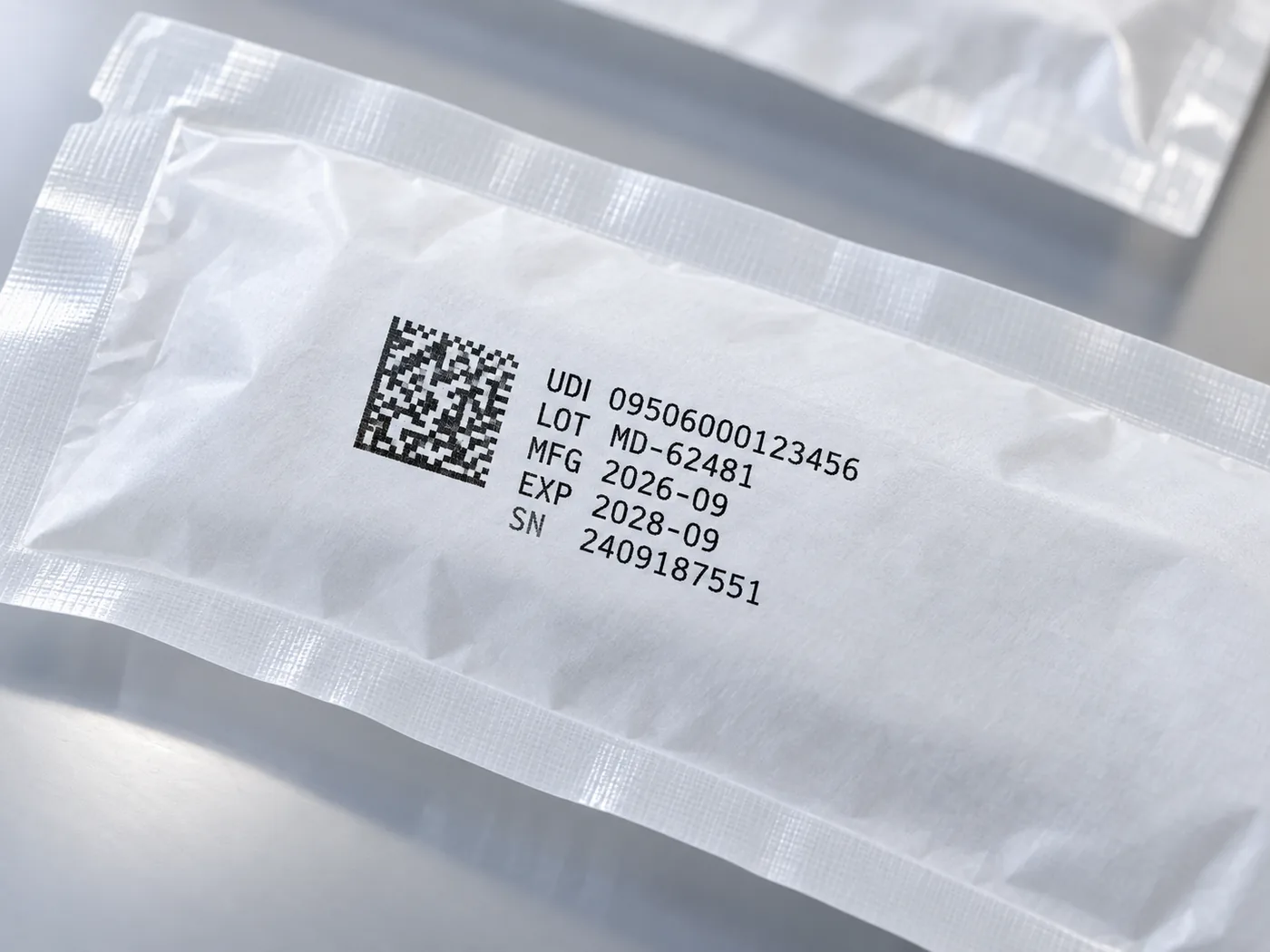
- Provide the complete message and define the required drying, rub-resistance and barcode checks under your production conditions.
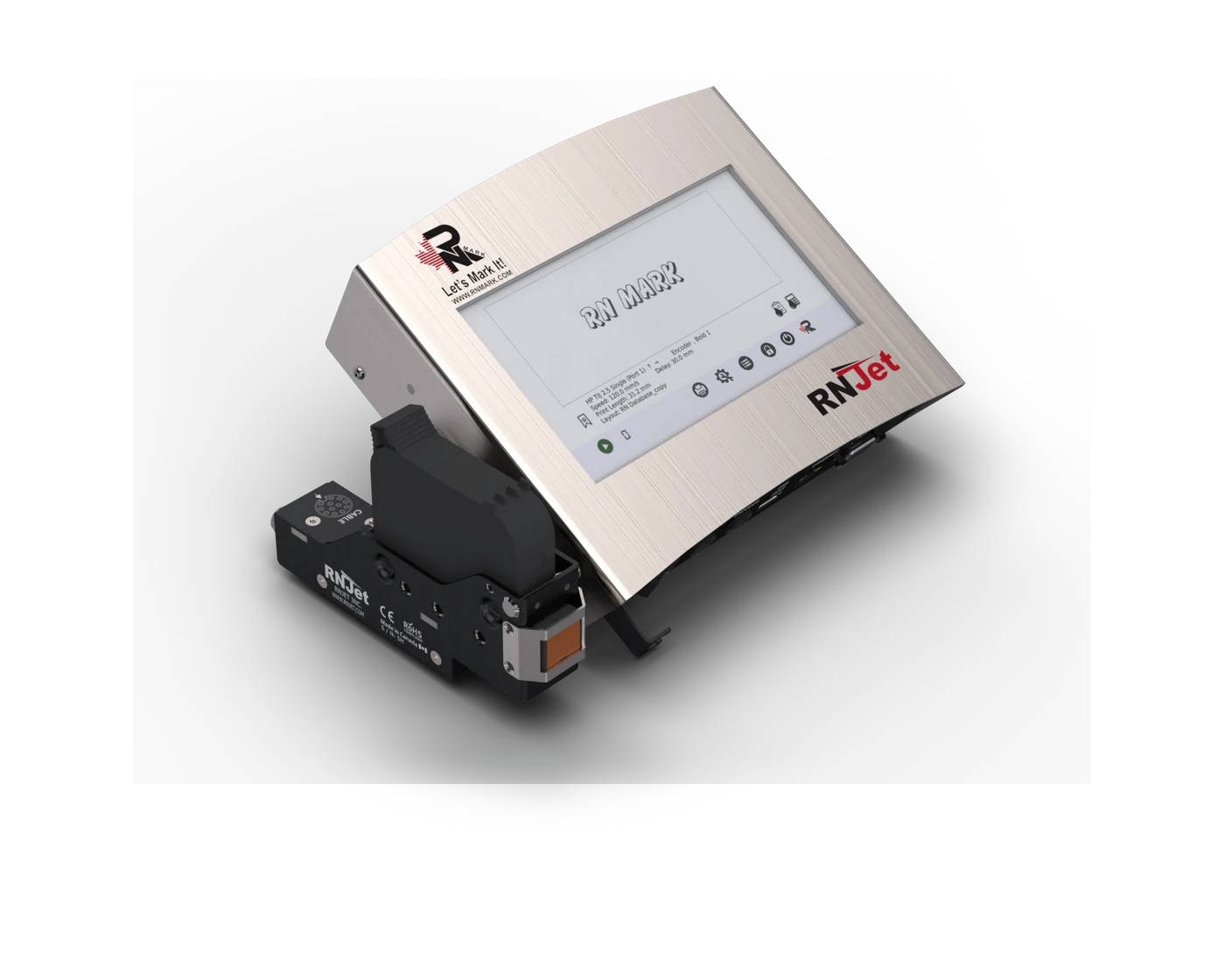
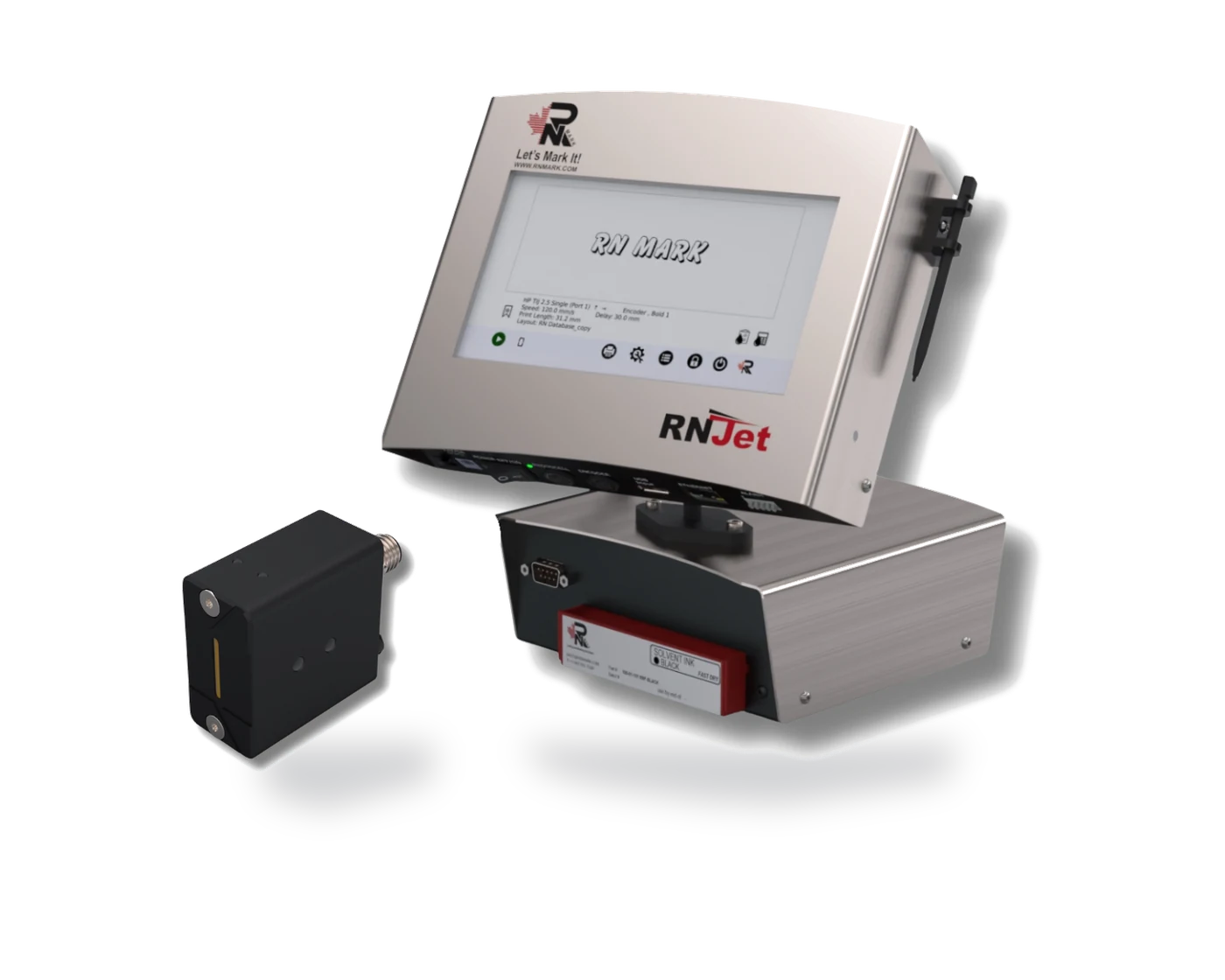
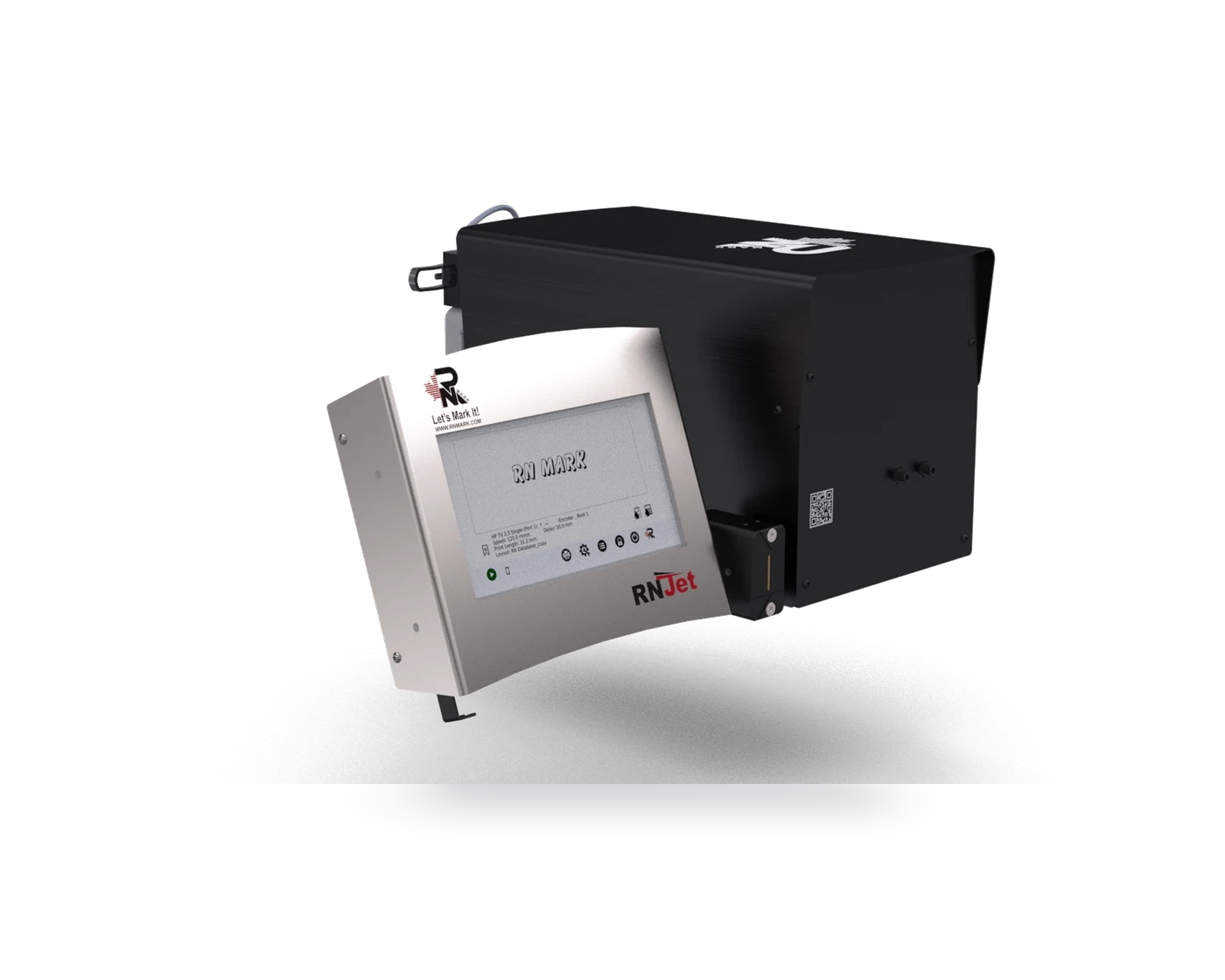
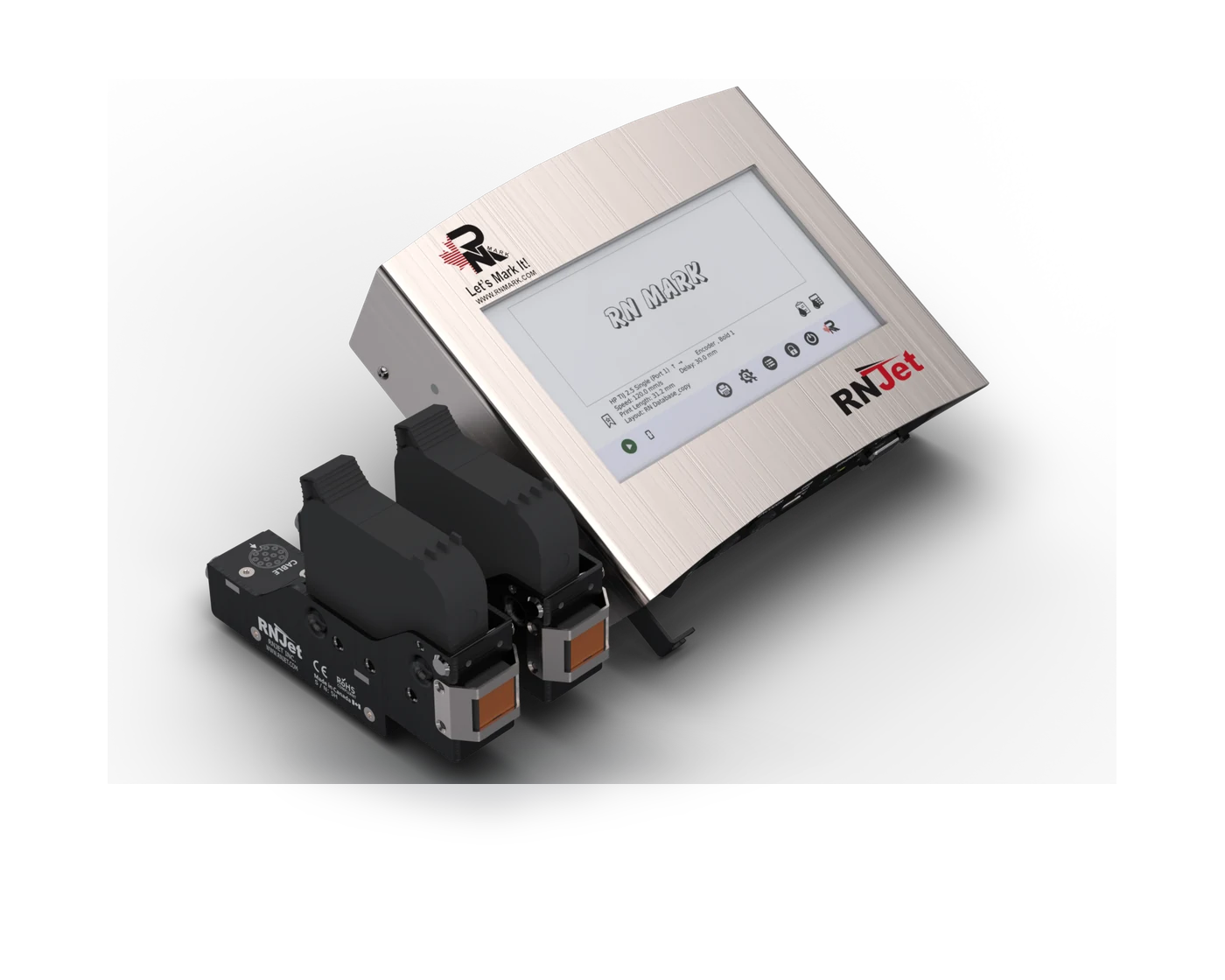
Compare the RNJet H1 exact configuration for compact TIJ layouts with the wider industrial printer selection guide. Use the date and batch coder checklist to prepare the application review.
Check the code on a finished bottle
Mark samples in each candidate position, such as the cap, neck or shoulder. Run them through labeling and case packing, then check that the final label or tamper band leaves the full date and lot code visible. If the code needs to be readable after opening, check the bottle again with the closure removed.
For round bottles that can rotate on the conveyor, repeat the test with bottles entering in different orientations. Look for marks that land on a seam or drift outside the available print area. If a barcode is part of the message, test it from the angle and distance used on the line.
Request a bottle or jar print trial. Approve the printer, ink and operating conditions together before ordering a production setup.